Best HubSpot Alternatives in 2026 for Growing Teams

The best HubSpot alternative depends on why you’re leaving. If it’s cost, look at Zoho CRM or Bigin. If it’s pipeline simplicity, look at Pipedrive. If it’s rigidity, meaning your process doesn’t fit the software, look at a no-code platform like SoftEXIT CRM, where you shape the CRM around how you sell. Below we compare the real options, the costs that push teams to switch, and how to run a switch without a mess.
TL;DR
- Teams usually leave HubSpot over onboarding fees, stacking per-seat costs across hubs, and contact-based pricing, not over the CRM itself.
- Zoho CRM is the closest like-for-like swap, Pipedrive is the cleanest pure pipeline tool, and Salesforce suits large, complex orgs with admin support.
- SoftEXIT CRM is the pick when you want a customizable CRM that can grow into inventory, contracts or risk tracking on one platform, from $5 per user per month.
- Run a small pilot before you migrate everything.
Why teams look for a HubSpot replacement
HubSpot is a big, successful company. Its own annual report describes an agentic customer platform for marketing, sales and service teams. That breadth is the draw, and for some teams it’s also the problem.
Three complaints come up again and again:
- Onboarding fees. Pro and Enterprise tiers often carry mandatory one-time fees of roughly $1,500 to $7,000.
- Stacking seats. Each “hub” you add brings its own per-seat cost.
- The contact tax. Marketing contact pricing means the bill can climb as your database grows. Teams end up purging old records, which means losing history, or paying more.
None of that makes HubSpot a bad product. It means the pricing model punishes certain growth patterns. Know which one is yours before you shop.
The best HubSpot alternatives at a glance
| Option | Best for | Where it’s strong | Watch out for |
|---|---|---|---|
| SoftEXIT CRM | Teams that want a CRM shaped to their process | No-code customization, expands to other business apps, simple per-user pricing | Newer platform, so check the integrations you rely on |
| Zoho CRM | Like-for-like swap on a budget | Free for 3 users, then from $14 per user per month | Broad feature set takes time to tame |
| Pipedrive | Sales-only teams | Visual pipeline | Marketing depth is lighter |
| Bigin by Zoho CRM | First-time CRM buyers | Starting at $7 per user per month | Built for small, simple setups |
| Salesforce | Large or complex organizations | Deep customization | Cost, complexity, admin load |
Prices change often. Capterra’s pricing guide notes that entry-level plans average $25.87 per user per month across top-rated platforms, so treat any figure as a starting point and confirm with the vendor.
SoftEXIT CRM: customize it instead of bending to it
Most HubSpot alternatives are another fixed product with a different logo. SoftEXIT CRM is built on SoftEXIT Studio™, a no-code application platform. You manage companies, contacts, opportunities, pipelines, activities, tasks and customer service, and you can change forms, dashboards, reports and workflows to match how your team actually works.
What that looks like in practice:
- AI-assisted configuration to help create databases, forms, dashboards and workflows without traditional development.
- Role-based security and protected fields, so reps see what they need and nothing more.
- Hierarchical data and interactive dashboards for account structures and pipeline reporting.
- Automated data intake to cut manual entry.
- Room to grow. The same platform can run inventory management, contract tracking, risk management and other custom apps.
Pricing is published: Starter at $5 per user per month and Professional at $9 per user per month, with Enterprise available on request. Professional services are optional if you want help with implementation. See the direct SoftEXIT CRM vs HubSpot comparison for a feature-by-feature look.
Zoho CRM and Bigin: the budget-friendly route
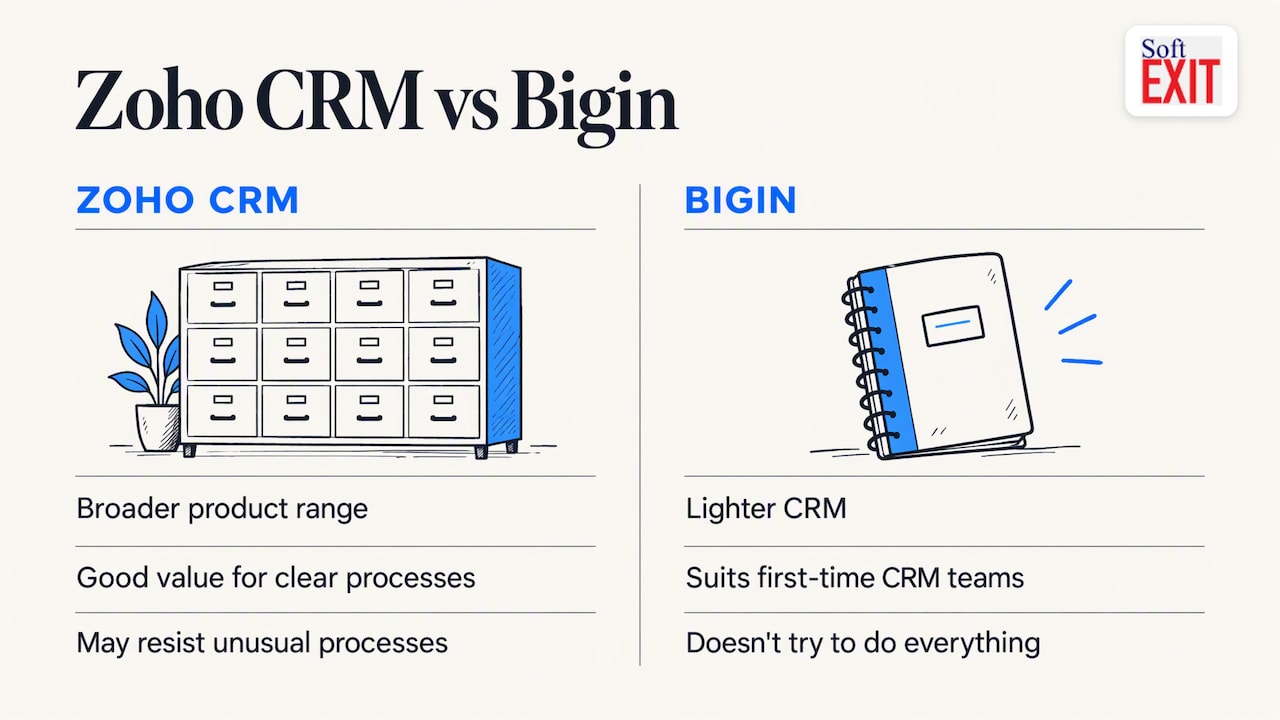
If you want HubSpot’s general shape for less money, Zoho is the obvious first stop. One 2026 roundup calls it the closest like-for-like swap. Bigin, Zoho’s lighter product, suits teams buying their first CRM and doesn’t try to do everything.
The trade-off: Zoho’s breadth can feel like a lot of drawers to open. If you have a clear process, you’ll get good value. If you want the CRM to mirror an unusual process, you may end up fighting it.
Pipedrive: for teams that live in the pipeline
Pipedrive is built around the deal board. The same roundup picks it as the best for sales pipelines. If your marketing automation needs are light and you want reps to actually open the tool, it’s hard to beat. If you’re weighing it seriously, we’ve written up SoftEXIT CRM vs Pipedrive Growth.
Salesforce: power, with a bill and a bench
Salesforce is the answer when you need deep customization and have people to administer it. For a 15-person team, that’s often more machine than needed. If you’re going down that road, our guide to Salesforce alternatives for SMBs covers lighter options.
How to choose
Skip the feature checklist at first. Ask these instead:
- What’s actually broken? Cost, complexity, rigid fields, reporting? Pick the alternative that fixes that one thing.
- How big will your contact list get? If it will grow fast, avoid pricing tied to marketing contacts.
- Who will configure it? If you have no admin, you want either simple software or a no-code platform your own people can adjust.
- Does the CRM need to touch other work? If contracts, inventory or risk tracking live in spreadsheets today, a platform beats a CRM plus three more tools. Analysts also warn that all-in-one suites can build up “complexity debt” and lack depth for tasks like inventory or risk.
- What does year one really cost? Add seats, onboarding, add-ons and any implementation partner.
Our perspective
We see the same pattern with teams leaving a big CRM. They rarely say the software is bad. They say it was built for someone else’s sales process, and now they pay to get around it.
We built SoftEXIT Studio to flip that. The CRM should be the first app on a platform, not the whole product. When you can change a form or add a dashboard yourself, you stop filing tickets and start fixing things on a Tuesday afternoon. And when contracts or inventory need a home later, you don’t buy another tool and another login.
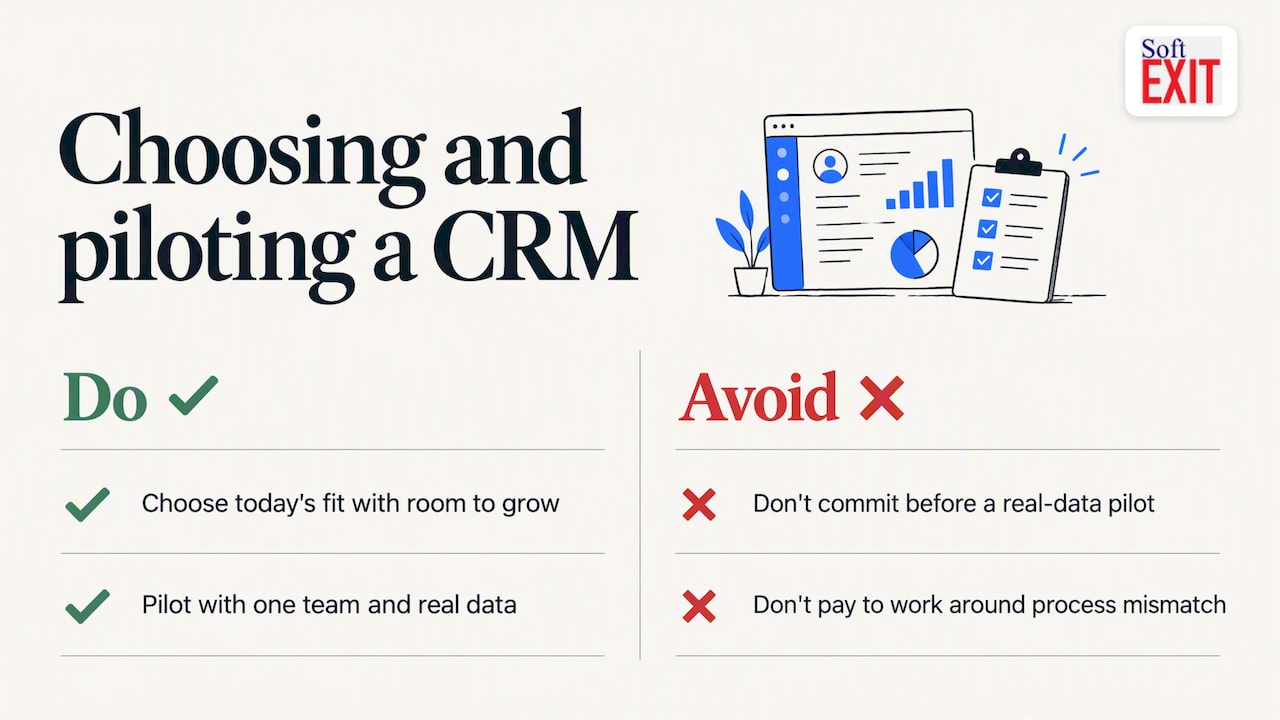
Our advice: pick the tool that fits your process today and doesn’t box you in next year. Run a pilot with one team and real data before you commit.
— James Edgell
A short story about spreadsheet number nine
A sales manager we’ll call Dana had a pipeline spread across nine spreadsheets, each owned by a rep, each with a slightly different idea of what “qualified” meant. One Monday she asked for the forecast and got nine answers and one very honest shrug. The fix wasn’t a bigger CRM. It was one shared pipeline with the same stages for everyone, and a dashboard that didn’t need a decoder ring. The spreadsheets are still around somewhere, mostly as a cautionary tale.
A low-risk way to switch
- Export and clean. Dedupe contacts and drop dead records before you move anything.
- Map your fields. Decide what carries over and what’s clutter.
- Pilot with one team for a few weeks, using live deals.
- Check reports against what you trust today.
- Move everyone once the pilot team stops complaining.
If you’d rather not do the setup yourself, SoftEXIT Professional Services can help with implementation and configuration. Onboarding costs are worth negotiating with any vendor, as fees often get settled in the sales process.
Try SoftEXIT CRM
If a flexible CRM that can grow into a full business application platform sounds right, look at SoftEXIT CRM or compare the Starter, Professional and Enterprise plans. The CRM walkthrough shows how it works before you commit.
FAQ
What is the best free alternative to HubSpot?
It depends on team size. One roundup lists Zoho CRM as free for up to 3 users. Free plans usually cap users, features or records, so check the limits against your pipeline.
Why do companies leave HubSpot?
Mostly cost structure: onboarding fees, per-seat charges across multiple hubs, and marketing contact tiers. Some also want more customization than a fixed suite allows.
Is SoftEXIT CRM a good HubSpot replacement for a small business?
It fits small and midsize teams that want to manage contacts, opportunities and pipelines, and customize the system without developers. Plans start at $5 per user per month. If you need deep marketing automation, compare carefully against your requirements.
Can I replace HubSpot without losing my data?
Yes, with planning. Export your records, clean duplicates, map fields and pilot with one team before moving everyone. Keep the old system read-only for a while as a safety net.
Sources
- Best HubSpot Alternatives in 2026: 18 Tools Compared, Toolradar
- CRM Pricing Guide for 2026, Capterra
- 18 Best HubSpot Alternatives in 2026, ToolGrowth
- HubSpot CRM alternatives and pricing, Capterra
- HubSpot, Inc. annual report, SEC