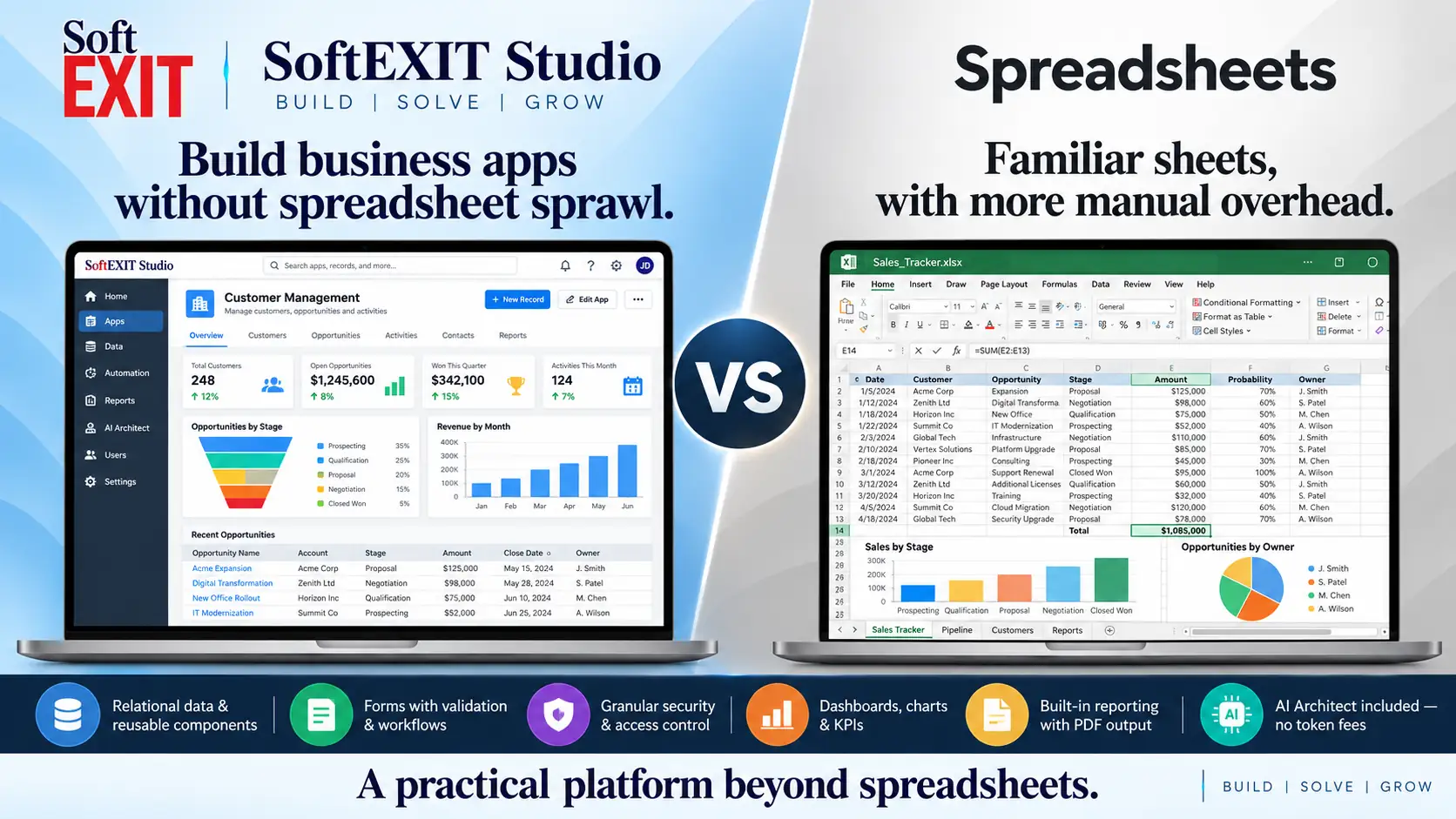
SOFTEXIT STUDIO VS SPREADSHEETS
When a spreadsheet becomes a business process, build an application.
Spreadsheets are excellent for calculations, quick analysis and flexible individual work. SoftEXIT Studio addresses a different challenge: structured, shared operational data with related records, guided forms, access control, dashboards, reporting and repeatable business workflows—all in a configurable application.
Keep spreadsheets for analysis. Use Studio when data must support a repeatable, secure, multi-user business process.
Relational data
Parent-child tables and records
Guided forms
Validation, lookups and permissions
Live dashboards
Reusable grids, charts and KPIs
PDF reports
Filtered, grouped business reporting
AI Architect
No Studio per-token charges
From isolated sheets to connected applications. Studio organizes data, people and work around the same shared relational foundation.
SoftEXIT Studio Starter / user / month, billed annually
Studio can start with a single licensed user
Studio forms, dashboards and built-in PDF reports
Studio AI Architect per-token charges
A spreadsheet organizes cells. Studio organizes the work around them.
Excel and Google Sheets are powerful analysis and collaboration tools with formulas, charts, pivot tables and automation extensions. Studio is purpose-built for ongoing business applications where reliable relationships, record ownership, validation, permissions and reporting need to work together.
Relational business data
Model clients, contacts, assets, contracts and events with parent-child relationships rather than manually reconciling separate worksheet tabs.
Guided forms and permissions
Put validation, lookups, conditional fields, record ownership and protected data into a purpose-built user experience.
Dashboards from live records
Reuse the same data across grids, charts, KPI gauges, reports and application views without duplicating a worksheet.
Spreadsheets are great tools. Applications solve different problems.
This comparison focuses on data structure, forms, reporting, security, collaboration, maintenance, AI and the effort required to scale a repeatable business process.
Pricing and adoption
Starter $14 and Professional $24 / user / month, billed annually.
Excel and Google Sheets may be free to use or licensed through Microsoft 365 and Google Workspace; cost depends on product, edition and account.
What it is designed for
Connected relational records with reusable tables, hierarchies and application components.
Flexible cell grids for calculations, analysis, lists and shared workbooks; relational models require added design or tools.
Customization
Native forms with validation, pick lists, lookups, conditional behavior and layout control.
Cell entry and data validation; guided forms are possible through platform features, scripts or connected form tools.
Reporting
Report Writer, live dashboards, filtered and grouped summaries, PDF reports.
Powerful formulas, pivot tables, charts, printing and export; recurring business reports often require workbook design or companion tools.
Security and access
Access Groups, table permissions, protected fields, ownership controls and component-level visibility.
File sharing, sheet or range protection and account policies; per-record application permissions usually require additional tools.
AI packaging
AI Architect configures Studio applications from natural language with no Studio per-token fees.
Excel Copilot or Gemini in Sheets can assist with formulas and analysis; availability, limits and charges depend on the vendor plan.
Automation
Micro-Workflows for conditional form behavior and configurable triggers/integrations for eligible Studio plans.
Formulas, macros, Apps Script, Power Automate and other extensions can automate work, often with added setup and governance.
Integrations
Authenticated Inbound API; eligible Professional organizations can connect Studio records through Zapier.
Imports, APIs and integrations via Excel, Google Sheets, Power Query, Apps Script or external automation services.
Testing and experimentation
Create separate solutions for production, development, testing, training and experimentation.
Make copies and maintain versions of workbooks, with governance varying by storage and collaboration system.
Administration
Manage shared tables, forms, navigation, security and reusable views within the Studio application model.
Workbook owners manage files, formulas, sharing, data consistency and coordination across separate sheets or files.
Total operating cost
Starter $14 and Professional $24 / user / month annually; core app components and AI Architect included.
License costs may be low, but manual reconciliations, custom scripts, fragile formulas and governance can add operating effort.
Best fit
Repeatable operational processes with relationships, multiple user roles, data validation, reporting and secure ongoing record maintenance.
Budgeting, modeling, ad hoc analysis, smaller shared lists and calculations that benefit from cell-level freedom.
SoftEXIT standard annual pricing checked October 20, 2026. Early-access promotional pricing may differ. Spreadsheet capabilities vary widely: Excel and Google Sheets both support collaboration, formulas and automation extensions. This compares Studio with typical workbook usage, not every add-on or custom spreadsheet solution. Sources: SoftEXIT Studio, Microsoft Excel, Google Sheets.
Stop rebuilding the same business process inside another workbook.
✓ Real relationships. Parent-child tables keep business records connected without manual cross-sheet reconciliation.
✓ Built-in application UI. Create forms, grids, menus, dashboards and reports over shared data.
✓ Permission-aware. Configure access groups, protected fields, ownership and table-level permissions.
✓ AI configures your app. AI Architect uses proven Studio components without charging Studio per token.
Studio pricing
Starter
/ user / month, billed annually
Professional
/ user / month, billed annually
Spreadsheets excel at calculations and exploration. Studio is designed for structured, secure, repeatable operations where the total cost includes maintenance, manual work and data governance—not just license fees.
Know when you have outgrown the workbook.
Consider SoftEXIT Studio when…
Multiple people maintain related business records, validations or role-specific access matters, and you need live dashboards and dependable reports.
Keep spreadsheets when…
You mainly need financial models, calculations, quick collaboration, ad hoc exploration or a lightweight list.
Test a real process
Build one small client-and-activity workflow in Studio, then compare data entry, security, changes, dashboard updates and reporting.
Keep the spreadsheet for analysis. Build the application for everyday work.
Explore how SoftEXIT Studio converts business tables into connected forms, views, dashboards and reports without writing a new software system.