Quickbase Alternatives: 7 No-Code Platforms Compared

The best Quickbase alternative depends on what you are replacing. Knack and Caspio suit teams that want database-driven web apps and portals. Zoho Creator and Power Apps suit teams already inside those ecosystems. OutSystems and Appian suit enterprise IT. SoftEXIT Studio suits small and midsize businesses that want CRM, contracts and custom apps under one membership, with the included apps free and plans starting at $14 per user/month billed annually.
This guide compares the options on the criteria that decide a switch: pricing model, CRM depth, customization, governance and the effort of moving off spreadsheets or an existing Quickbase app.
Key Takeaways
-
Quickbase is a low-code platform for building custom business apps, not a packaged CRM. Teams usually leave over per-user cost, platform minimums or complexity.
-
Pricing models differ sharply: per-user (Zoho Creator, Quickbase), tiered flat fees with record limits (Knack), and quote-only enterprise pricing (OutSystems).
-
Enterprise platforms such as OutSystems and Appian are built for IT-led programs, which is more than most small and midsize teams need.
-
SoftEXIT Studio includes its CRM, Contract Manager and DVIR apps free with a membership starting at $14 per user/month billed annually, and lets you customize them or build new ones.
-
Before you migrate, list your tables, relationships, user roles and reports, then pilot one process on a trial.
What Quickbase is, and why teams look elsewhere
Quickbase lets teams build custom applications on top of a relational database: tables, forms, workflows, dashboards and permissions. It is closer to an app-building platform than to a ready-made CRM, so a CRM in Quickbase is something you assemble or adapt.
The common reasons for leaving are cost and fit. Capterra lists Quickbase’s Team plan at $35 per user per month and Business at $55, figures that add up quickly as headcount grows. Others find the platform heavier than they need, or want sales features out of the box instead of building them.
When you compare options, check five things:
-
Pricing model: per user, flat tier, or quote. Model your real headcount, including occasional users.
-
Data limits: record caps, storage and API limits.
-
CRM depth: contacts, companies, opportunities, pipelines and activities, ready or to be built.
-
Customization: can business users add fields, related tables, dashboards and reports without a developer?
-
Governance: role-based security, audit needs and compliance such as HIPAA.
Seven Quickbase alternatives at a glance
| Platform | Best for | Pricing model | Main trade-off |
|---|---|---|---|
| SoftEXIT Studio | SMBs wanting CRM and custom apps on one platform | Starter $14 per user/month billed annually; Professional $24 per user/month | Newer platform with a growing app portfolio |
| Knack | Custom web apps and portals on a relational database | Tiered flat plans | Record limits on lower tiers |
| Caspio | External-facing, compliance-sensitive apps | Tiered plans with unlimited app users | Higher entry price |
| Zoho Creator | Teams already using Zoho | Per user | Scripting for advanced logic |
| Microsoft Power Apps | Microsoft 365 organizations | Licensing tied to the Microsoft stack | Licensing complexity |
| OutSystems | Mission-critical enterprise apps | Quote-based | Built for IT-led programs |
| Appian | Process automation and case management | Quote-based | Enterprise scale and cost |
SoftEXIT Studio: free business apps on one membership
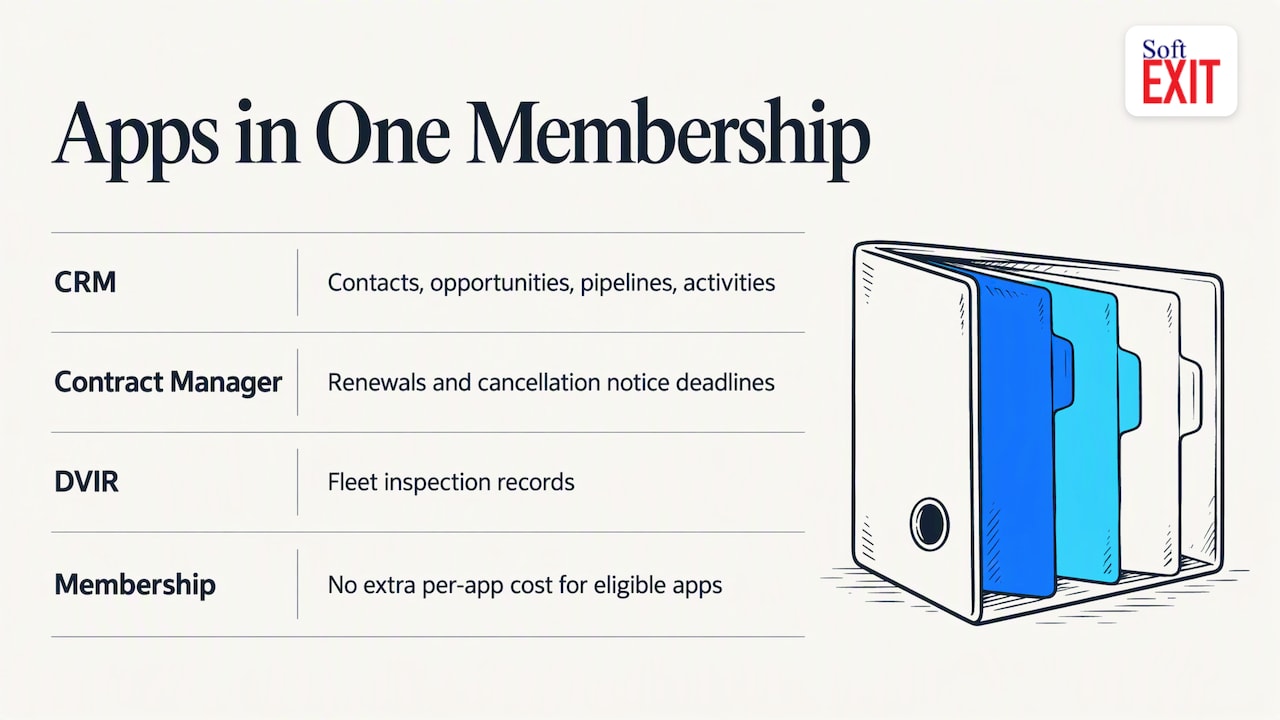
SoftEXIT Studio takes a different route from per-app subscriptions. A single membership includes eligible business apps at no extra per-app cost: a CRM for customers, companies, contacts, opportunities, pipelines and activities; a Contract Manager that tracks renewal dates and cancellation notice deadlines; and DVIR for fleet inspection records.
Because every app runs on the same customizable platform, you are not stuck with a fixed packaged app. You can add fields, create related tables, build dashboards and generate reports. The AI Architect lets you describe a requirement in plain language and configures a proven platform to match, rather than generating custom code. The platform also offers role-based security, protected fields, hierarchical data and automated data intake.
Pricing is published: Starter is $14 per user/month billed annually, Professional is $24 per user/month, and there is a 21-day free trial. Implementation help is available through professional services.
For a feature-by-feature view, see our SoftEXIT Studio vs Quickbase comparison.
Knack and Caspio: database apps and portals
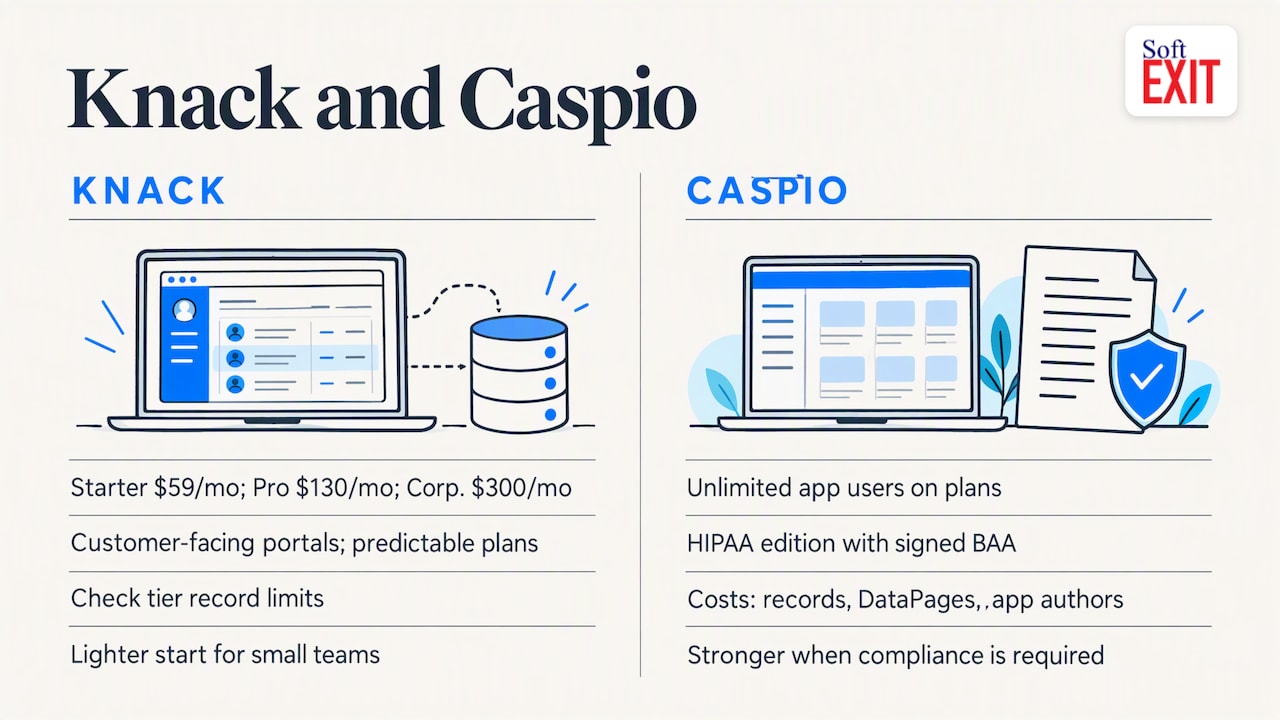
Knack builds custom web apps on an online relational database, with forms, views, roles, permissions, portals, automation, dashboards and maps. A 2026 roundup reports Knack plans at $59 per month (Starter), $130 (Pro) and $300 (Corporate) billed monthly, with discounts for annual billing. It is a good fit when you need customer-facing portals and prefer predictable plan pricing to per-seat math. Check the record limits on your tier against your data volume.
Caspio is the usual pick when external users and compliance drive the decision. It offers unlimited app users on its plans and a HIPAA edition with a signed Business Associate Agreement, so healthcare and regulated teams often shortlist it. Its costs are driven by records, DataPages and app authors, which means you should size those before you commit.
In a Knack versus Caspio decision, Knack is generally the lighter starting point for small teams, and Caspio the stronger choice when compliance paperwork is a requirement. Neither ships as a sales CRM; you build your pipeline on top of the database. If CRM is the main job, that build effort is the cost to weigh.
Zoho Creator and Microsoft Power Apps
Zoho Creator is a low-code platform with drag-and-drop building, Deluge scripting, mobile deployment and over 1,000 integrations. Its Standard plan is listed at $8 per user/month billed annually, Professional at $20 and Enterprise at $25. The low per-user entry makes it attractive, and it fits best if you already run Zoho CRM or other Zoho products.
Microsoft Power Apps makes sense when your company lives in Microsoft 365, Teams and Dataverse. The trade-off is licensing, which depends on which apps and connectors you use, so price the exact scenario before deciding. Our SoftEXIT Studio vs Microsoft Power Apps comparison walks through the differences.
OutSystems and Appian: the enterprise tier
OutSystems is an enterprise platform for building, integrating and governing mission-critical applications, with model-driven full-stack development and deployment controls. Its price is quote-based and depends on organization size, users, application complexity and support tier. Appian focuses on process automation, with AI, data fabric, process mining and case management in one platform.
Both are strong when a central IT team runs a portfolio of complex applications. For a 20-person sales team trying to leave spreadsheets, they are usually more platform than the job requires.
Our perspective on choosing a platform
Most teams we talk to do not need a bigger platform. They need their CRM, contracts and a few operational apps to share one set of data without three separate invoices.
Per-app subscriptions fragment that data and multiply cost. We built SoftEXIT Studio so the apps sit on one customizable platform, which means a field you add to a customer record can appear in a dashboard, a report and a related table without an integration project. The AI Architect helps non-developers get there, but we deliberately configure a proven platform rather than generate custom code, because configured software is easier to govern and change later.
Our advice: pick the platform whose pricing you can still predict at twice your current headcount, and pilot one real process before you migrate the rest.
— James Edgell
How to migrate without losing data
-
Inventory what you have. List tables, relationships, user roles, automations, reports and integrations in your current app.
-
Pick one process. A sales pipeline or contract renewal tracker makes a good pilot.
-
Rebuild the structure first. Get tables and relationships right before dashboards. Our guide to building a no-code database you can trust covers this step.
-
Import and test. Load a sample, check the record counts, and have real users try it.
-
Move the rest in stages. Retire the old app only once reports match.
If you also need custom websites, automations or follow-up systems around the platform, an agency that builds custom software and app projects can handle the surrounding pieces while the platform runs the data.
Try SoftEXIT Studio
SoftEXIT Studio gives you the CRM, Contract Manager and DVIR apps free with a membership starting at $14 per user/month billed annually, plus the platform to customize them or build your own. The 21-day free trial is enough time to import real data and run a pipeline.
See plans and start the trial on the SoftEXIT Studio pricing page, or look at the SoftEXIT CRM first.
FAQ
Is Quickbase a low-code platform?
Yes. Quickbase is a low-code platform for building custom business applications on a relational database. It is not a packaged CRM, though teams build CRM-style apps on it.
Is Quickbase similar to Salesforce?
Only partly. Salesforce is a CRM platform with sales features built in, while Quickbase is a general app builder where you design the data model yourself. If you want CRM out of the box with room to customize, compare a platform like SoftEXIT Studio, which includes a CRM app.
How much does Quickbase cost per month?
Capterra lists Quickbase plans starting at $35 per user per month, with Business at $55. Confirm current pricing and any platform minimum with the vendor before budgeting.
Which alternative is cheapest for a small team?
It depends on headcount and data volume. Per-user plans such as SoftEXIT Studio’s $14 per user/month billed annually stay low for small teams and include the CRM, Contract Manager and DVIR apps. Flat plans can win for very large user counts but may cap records.