Lead vs Opportunity: Keep History, Contacts, and Activities Connected

A lead is an early, unqualified inquiry; an opportunity is a qualified potential sale with an expected value, a close date, a stage, and an owner. Sales teams should run their forecasting off opportunities, while leads stay the intake record marketing and business development work before anything is confirmed. When a lead clears qualification, converting it preserves its history and attaches its contacts and activities to the new opportunity record.
TL;DR:
- Convert only after confirming solution fit, discussing budget, identifying a decision maker, and getting a timeline from the buyer; otherwise, keep the record in intake.
- Require a close date, stage, named owner, and committed next step at entry, then timestamp each stage change for an auditable pipeline.
- During conversion, carry over contacts, company records, activities, and tasks; disqualify rather than delete the original lead to preserve its audit trail.
- Pilot a simpler stage model for 30 to 60 days, then assess buying group coverage, documented criteria, dated next steps, and updated close dates.
Table of Contents
- Lead, Prospect, and Opportunity: Mapping the Terms to CRM Objects
- Lead vs Opportunity: What Actually Changes Once a Deal Is Qualified
- Converting a Lead to an Opportunity: A Practical Checklist
- Pipeline Stages and Opportunity Health: What Makes a Forecast Credible
- How SoftEXIT CRM Handles Lead Intake and Opportunity Management
- What Ops Teams Should Fix First
- A Simple Way to Run This in SoftEXIT CRM
- FAQ
- Sources
Lead, Prospect, and Opportunity: Mapping the Terms to CRM Objects
Standardizing these three terms across a sales team removes a surprising amount of friction in reporting and handoffs.
A lead is an unverified contact or inquiry captured from a form, event, referral, or inbound call. Most CRMs store a lead with minimal fields: name, company, source, and contact details, since nothing has been confirmed yet.
A prospect sits between the two. A lead becomes a prospect once a real two-way conversation starts and the contact meets basic fit criteria, such as industry or company size, even though budget and timeline are still unknown.
An opportunity is the qualified record. According to Microsoft Dynamics 365’s sales documentation, qualification generally assesses whether the product fits the lead’s needs and whether the lead has the financial capacity to buy, and common fit signals include company type, industry, revenue, and employee count. Once qualified, an opportunity record carries:
- Deal value and estimated close date.
- Pipeline stage and win probability.
- Assigned owner responsible for moving the deal forward.
- Associated contacts and company records tied to the buying group.
Leads belong in an intake queue. Opportunities belong in the pipeline. Mixing the two in reporting is where most forecasting accuracy problems start.
Lead vs Opportunity: What Actually Changes Once a Deal Is Qualified
The difference between a lead and an opportunity is not just semantic. It changes who owns the record, what fields are required, and which reports the business trusts.
Qualification typically runs through four checks before a lead earns opportunity status:
- Fit: does the company match the profile we sell to (industry, size, use case)?
- Budget: has the contact confirmed they can fund a purchase at the expected price point?
- Authority: is this person a decision-maker, or do we need to identify one?
- Timeline: is there a real window for this purchase, or is it exploratory?
A lead that fails even one of these stays a lead. A contact that passes all four, with a named decision-maker and a timeframe attached, is ready to become an opportunity.
The operational differences show up immediately. Opportunities carry required fields like close date, stage, and probability, while leads often carry only a source and a status. Opportunity owners work against service-level expectations tied to deal velocity, while lead owners are usually judged on response time and qualification speed. Reporting splits the same way: lead volume measures how much interest is coming in, while pipeline value and stage conversion measure how much of that interest is turning into revenue. Gartner’s guidance on sales forecasting points out that combining deal size with stage-specific next steps gives leaders a far more credible forecast than either number alone.
Pro Tip: Require at minimum a close date, a stage, and a named next step before a record is allowed into the opportunity pipeline. Skipping any one of these produces opportunities that look real but can’t be forecasted.
Converting a Lead to an Opportunity: A Practical Checklist
Converting too early clutters the pipeline with deals that aren’t real. Converting too late means reps are managing qualified buyers in a system built for cold inquiries. A short checklist keeps the decision consistent across a team.
Before converting, confirm:
- Budget has been discussed, even roughly.
- A decision-maker or buying-group member has been identified.
- A timeline, even approximate, has been stated by the contact.
- The solution fit has been validated against what we actually sell.
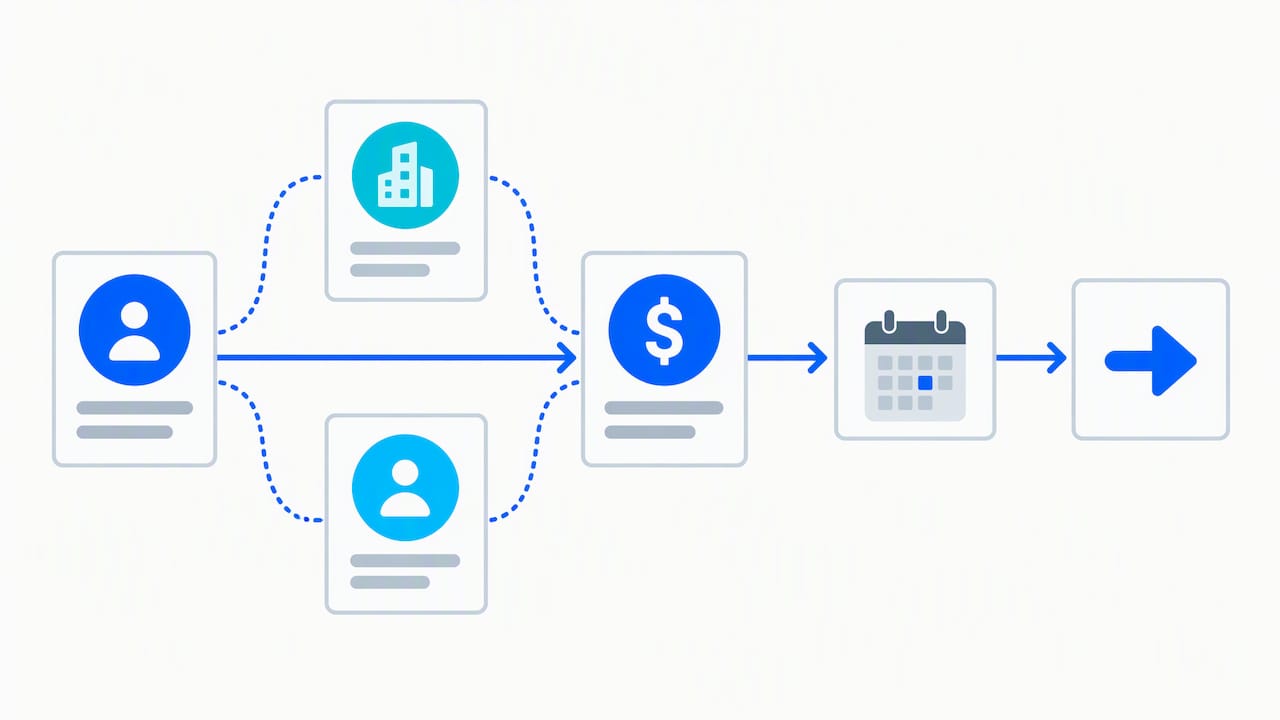
Once those four are confirmed, the conversion itself should follow a consistent workflow:
- Populate the opportunity’s value, close date, and stage based on the conversation.
- Attach the lead’s existing contacts, companies, and activity history to the new opportunity.
- Assign an owner and log a committed next step.
- Decide on the original lead record: disqualify rather than delete it.
Microsoft’s qualification documentation recommends disqualifying leads instead of deleting them, since keeping notes, emails, and attachments intact preserves an audit trail and makes later re-engagement far easier if a disqualified contact comes back.
Pro Tip: Set two automation rules: one that auto-populates company and contact fields from the lead record during conversion, and one that flags any opportunity missing a close date or next step within 48 hours of creation.
Pipeline Stages and Opportunity Health: What Makes a Forecast Credible
A pipeline is only as trustworthy as the discipline behind its stages. A workable model usually runs through five stages: qualified, solution validated, proposal sent, negotiation, and closed. Each stage should require specific fields before a deal can move forward, for example a documented decision criterion before leaving proposal stage.
Beyond stage names, a handful of health signals tell leaders whether an opportunity is actually on track:
- Buying-group coverage: are multiple stakeholders identified and attached, not just one contact?
- Decision criteria documented: has the buyer stated what they’re evaluating on?
- Committed next step: is there a specific, dated action, not a vague “follow up”?
- Updated close date: has the date moved recently, or is it stale from weeks ago?
Gartner’s sales analytics research identifies inconsistent opportunity management as a top inefficiency in sales operations, and recommends requiring an owner and a next step on every stage change along with a timestamp, so stage history can be audited later. Forrester’s reporting on an opportunity-based revenue model at Siemens found that organizations moving from a lead-only view to an opportunity-centric one saw measurable improvement in how reliably deals were tracked and attributed. Stage discipline is what makes that kind of improvement possible, since a pipeline report is only useful if every opportunity in it was qualified and updated the same way.
How SoftEXIT CRM Handles Lead Intake and Opportunity Management
SoftEXIT CRM is built around the same progression described above: intake leads stay leads until they’re qualified, and qualifying one converts it into an opportunity without losing anything attached to it.
New inquiries land as intake leads, where we capture source, contact details, and company information. When a lead meets fit, budget, authority, and timeline criteria, converting it to an opportunity carries forward every related contact, company record, activity, and task automatically, so nothing has to be re-entered and no history gets orphaned.
From there, pipeline visibility runs through a few connected views:
- Status Boards give a visual, stage-by-stage view of every active opportunity.
- Dashboards roll up pipeline value, close dates, and forecast data for leadership.
- My Data views show each owner exactly which leads and opportunities need action today.
- Role-based security and protected fields keep sensitive deal data visible only to the people who should see it.
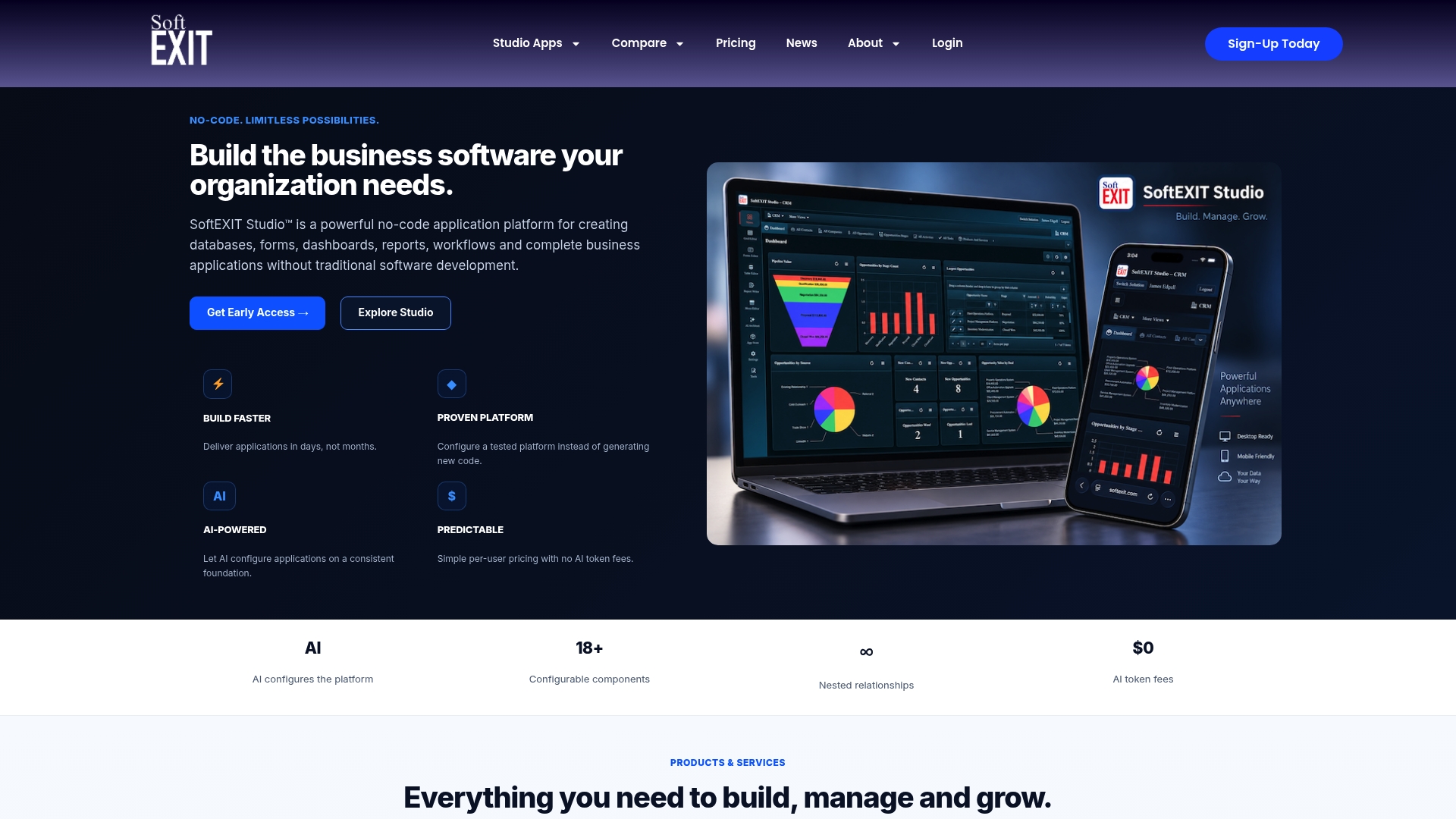
Alt text: SoftEXIT Status Board showing opportunities grouped by pipeline stage.
Because SoftEXIT CRM is built on a no-code configuration layer, qualification criteria and stage metadata can be adjusted as a team’s process matures, without a development project. Forrester’s research on opportunity-centric revenue processes treats the opportunity as the shared container for buying-group context across marketing and sales, which is exactly the structure these connected records are built to support.
What Ops Teams Should Fix First
The biggest lift comes from making the opportunity, not the lead, the system of record for forecasting, and attaching every buying-group member to it instead of leaving them scattered across contact records. Simplify your stage list, require an owner and a committed next step on every opportunity, and run a 30 to 60 day pilot before rolling changes out broadly. Keep lead-to-opportunity conversion simple enough that reps actually follow it, and disqualify rather than delete so the audit trail stays intact.
— James Edgell
A Simple Way to Run This in SoftEXIT CRM
Everything described above, intake leads, qualification checks, opportunity fields, Status Boards, and connected activity history, is how SoftEXIT CRM is structured to work day to day. Related contacts, companies, opportunities, activities, and tasks stay linked automatically as a relationship develops, so reps move from an early inquiry to an active opportunity without rebuilding records or losing context along the way.
Because it’s built on a no-code platform, qualification rules and stage fields can be configured to match how a specific team actually sells, rather than forcing every deal through someone else’s template. Pricing starts with the Starter plan at $14 per user per month, with a Professional tier at $24 per user per month for teams that need more.
Teams managing service delivery alongside sales often pair pipeline stages with scheduling workflows once a deal closes, so opportunities flow cleanly into fulfillment.
See how intake, qualification, and Status Boards work together in the SoftEXIT CRM walkthrough, or go straight to the SoftEXIT CRM product page to start a demo.
FAQ
What comes first, opportunity or lead?
A lead always comes first. It starts as an unqualified inquiry, and only becomes an opportunity once it passes qualification checks like fit, budget, authority, and timeline.
What is the 3-3-3 rule in sales?
This is not a standardized industry term with a single agreed definition, and no authoritative source in sales operations or CRM documentation defines it consistently. Teams that use informal rules like this should document their own version rather than relying on an undefined framework.
When should I convert a lead to an opportunity?
Convert once budget has been discussed, a decision-maker is identified, a timeline is stated, and the solution fit is validated against what’s actually being sold. Converting before these checks pass tends to clutter the pipeline with deals that can’t be forecasted accurately.
What is the difference between a lead and an opportunity in a CRM?
A lead is an early, unqualified record with minimal details like name, company, and source. An opportunity is a qualified record with a deal value, close date, pipeline stage, probability, and an assigned owner, and Microsoft’s CRM documentation outlines this exact qualification and conversion step.
Sources
- Qualify a lead and convert it to an opportunity – Microsoft Dynamics 365
- Use analytics to improve pipeline management and sales forecasting – Gartner
- Siemens transformation of the revenue engine with an opportunity-based waterfall – Forrester