Fishbowl Inventory Alternatives: No Code or MRP? Plan Your Move

If you are outgrowing Fishbowl, the fastest path forward is to sort alternatives into four buckets: lightweight cloud inventory tools, contractor or mobile-first systems, mid-market MRP and ERP platforms, and configurable no-code platforms like SoftEXIT. Most teams land on one of these because of performance limits, integration gaps, or rigid pricing, and matching your pain point to the right category narrows a long vendor list fast.
TL;DR:
- Use inFlow or Zoho Inventory for simple stock counts; choose Katana when bills of materials and production scheduling matter, and reserve ERP for complex traceability.
- Contractors with stock in vans should assess Ply, while retailers selling across ecommerce and point of sale channels may prefer Cin7’s shared inventory view.
- Choose a configurable platform when workflows must connect inventory with CRM or service records, but use dedicated ERP for regulated production and recall genealogy.
- Start data cleansing six months before go live, check external tools for cloud compatibility, and approve migration after a pilot completes one full business cycle.
Key Takeaways Before You Start Comparing Fishbowl Alternatives
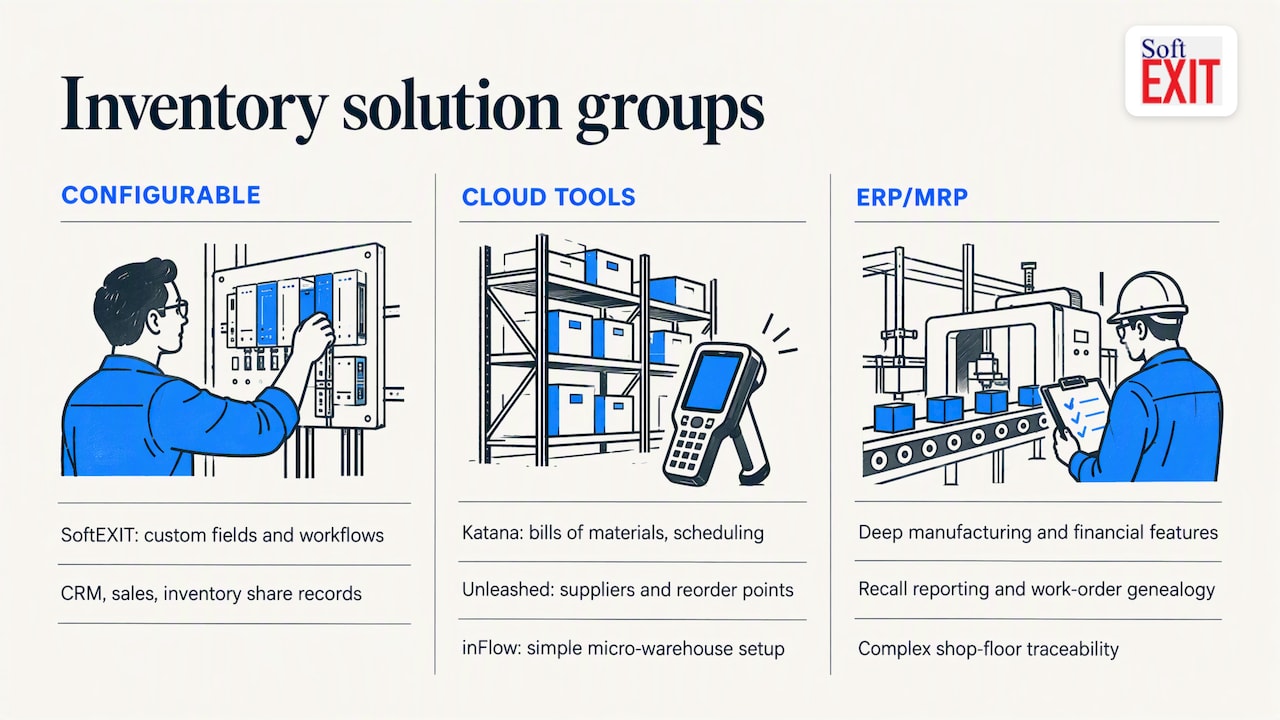
A quick gut check saves weeks of demo calls. If your team just needs simple stock counts and order tracking, a cloud tool like inFlow or Zoho Inventory probably covers it. If you run production lines with bills of materials and work orders, you need MRP or ERP depth from a platform like Katana, NetSuite, or Cetec ERP. If your workflows are unusual enough that off-the-shelf fields and screens never quite fit, a configurable platform such as SoftEXIT tends to close that gap faster than custom development.
Budget and timeline expectations matter early. Data cleansing is the single most effective way to avoid migration failure, and starting that work roughly six months before go-live is standard practice for a reliable cutover.
- Cloud-first tools suit teams that want fast setup and low monthly costs over deep manufacturing features.
- MRP/ERP platforms suit manufacturers that need work orders, genealogy, and recall reporting.
- Configurable platforms suit teams whose processes do not map cleanly to a rigid template.
Pro Tip: Before any demo, write down the three fields or workflows Fishbowl never handled well. That list becomes your filter for every vendor call.
Why Teams Start Looking for a Fishbowl Replacement
Fishbowl’s on-premise architecture is the most common trigger. As businesses add users, locations, or transaction volume, the local database slows down, and syncing issues become more frequent during peak periods. Teams running multiple warehouses often hit this wall first, since on-premise systems were not built with multi-site concurrency in mind.
Integration gaps come next. Modern ecommerce platforms, marketplaces, and accounting stacks expect real-time API connections, and older on-premise systems frequently rely on batch syncs or third-party connectors that lag behind. Trade and field service businesses feel this especially hard when they need to match inventory data with QuickBooks Online or Desktop workflows for job costing and invoicing, and a mismatch there creates duplicate data entry.
Usability is a recurring complaint too. Interfaces built for desktop warehouse terminals rarely translate well to tablets or phones, which becomes a real problem once field technicians or remote warehouse staff need live stock visibility.
Pricing transparency rounds out the list. License-based, on-premise pricing often hides the real total cost of ownership: server maintenance, IT support, and upgrade cycles add up outside the sticker price, while cloud subscriptions tend to bundle hosting and updates into one predictable line.
- Performance: on-premise databases slow down as users, locations, and transaction volume grow.
- Integrations: batch syncs and aging connectors lag behind modern ecommerce and accounting APIs.
- Usability: desktop-first interfaces do not translate well to mobile or field use.
- Cost clarity: license fees often exclude hosting, maintenance, and upgrade costs that cloud plans fold in.
What to Look for in a Modern Inventory System
Not every alternative solves the same problem, so run your evaluation against four categories of requirement rather than a single feature checklist.
- Functional depth: confirm lot and serial tracking, multi-location stock visibility, bill-of-materials support, and work-order management if you manufacture anything.
- Technical fit: decide whether you need pure cloud, hybrid, or on-premise deployment, then check API availability, mobile or offline support, and native connectors to accounting and ecommerce platforms.
- Commercial terms: compare pricing models (per-user, per-location, or flat-rate), support response times, and what implementation services cost beyond the subscription.
- Operational flexibility: ask how much the platform can be customized without custom code, and whether it supports third-party add-ons (ISVs) the way Fishbowl’s ecosystem did.
Industry comparisons generally agree that lighter cloud tools suit mobile or light operations, while dedicated MRPs are needed once manufacturing workflows get genuinely complex. That single distinction filters out half of any long vendor list before you book a single demo.
Pro Tip: Ask every vendor for a sandbox account before signing, and load one real bill of materials or one real multi-location transfer. A clean demo script hides more than it reveals.
Shortlist: Comparing the Top Fishbowl Alternatives
Fishbowl Inventory Alternatives Compared
Fishbowl Inventory alternatives range from flexible no-code platforms and specialized inventory applications to comprehensive ERP systems. The right choice depends on your business processes, inventory complexity, and need for integration with other business applications.
| Software | Best For | Key Strengths | Considerations |
|---|---|---|---|
| SoftEXIT Studio™ | Businesses needing customizable inventory and business applications | No-code platform, configurable fields, dashboards, reporting, CRM, and inventory in one environment | Inventory applications must be configured to match business requirements |
| Ply | Contractors and field service businesses | Mobile-first workflows, truck-stock tracking, and material management | Focused primarily on trade and field service operations |
| Katana | Small and midsize manufacturers | Bills of materials, production scheduling, and inventory tracking | Less comprehensive than a full ERP |
| Unleashed | Purchasing and wholesale operations | Supplier management, reorder points, and multi-location inventory | Primarily focused on inventory and purchasing |
| Cin7 | Multichannel retailers and distributors | Ecommerce integration, point-of-sale connectivity, and stock synchronization | Advanced functionality can add complexity |
| inFlow Inventory | Small warehouses and distributors | Straightforward inventory, purchasing, and order management | Less flexible for highly customized processes |
| Zoho Inventory | Small businesses using Zoho products | Inventory, invoicing, order management, and Zoho ecosystem integration | Best suited to organizations comfortable with Zoho’s ecosystem |
| Ordoro | Ecommerce businesses | Shipping automation, order routing, and multicarrier fulfillment | Shipping-oriented rather than a comprehensive manufacturing platform |
| Booqable | Equipment rental businesses | Reservation calendars, rental inventory, and equipment lifecycle tracking | Specialized for rentals rather than traditional inventory |
| NetSuite | Larger organizations needing enterprise ERP | Financial management, inventory, manufacturing, and integrated operations | Higher implementation complexity and cost |
| Odoo | Businesses wanting modular ERP | Inventory, manufacturing, CRM, accounting, and modular applications | Configuration and implementation effort vary by requirements |
| Acumatica Cloud ERP | Growing midsize businesses | Cloud ERP, financials, inventory, distribution, and manufacturing | Requires a more substantial ERP implementation |
| Cetec ERP | Manufacturers requiring traceability | Manufacturing operations, production tracking, quality, and traceability | Primarily suited to manufacturing organizations |
| xTuple | Manufacturing and distribution businesses | ERP capabilities covering inventory, production, and operational workflows | More complex than lightweight inventory applications |
Which Fishbowl Alternative Should You Choose?
For businesses looking beyond inventory management, SoftEXIT Studio™ offers a different approach. Rather than adopting another fixed inventory application, organizations can configure inventory tracking alongside CRM, sales pipelines, reporting, and other business processes on a shared platform.
Contractors may prefer Ply, manufacturers may favor Katana or a dedicated ERP, and ecommerce businesses may benefit from Cin7 or Ordoro.
The best starting point is to test one real business workflow before committing to a larger implementation or migrating existing inventory data.
How to Choose and Plan Your Migration
Once you have two or three finalists, score them against the same matrix so the comparison is not just a gut feeling.
- Fit score: rate each candidate on functional match, ease of use, and mobile support.
- Cost score: compare subscription cost, implementation fees, and expected support costs over three years.
- Risk score: weigh data migration complexity and how many custom fields or workflows need rebuilding.
Bring specific questions into every vendor call:
- How does your system handle the custom fields or reports we built in Fishbowl?
- What does a typical data migration timeline look like for a company our size?
- Are there hidden costs for API access, additional users, or premium support tiers?
Migration itself follows a predictable shape. ERP Research recommends inventorying third-party add-ons early and confirming cloud compatibility before committing to a new platform, since incompatible ISV tools are one of the most common late-stage surprises. Expect a gap analysis of custom fields and workflows, since moving off an on-premise system is a business-process change, not a simple data export. Build in a pilot phase with a small data set, a formal training window for staff, and a go-live date set only after the pilot runs clean for at least one full business cycle.
Staff planning matters as much as the technical plan. Assign one internal owner for data cleansing, one for vendor communication, and one for staff training, so the migration does not stall waiting on a single person’s availability.
How SoftEXIT Fits the Inventory Replacement Job
Most inventory software ships with a fixed set of screens and fields, which works until your process does not match the template. SoftEXIT Studio™ takes a different starting point: it is a no-code application platform, so inventory tracking, work orders, and approval workflows get built around how your team actually operates, not the other way around.
AI-driven configuration speeds up the parts that usually take weeks. Instead of a developer scripting custom fields and forms, the platform helps assemble databases, dashboards, and reports from plain configuration choices, and reusable application components mean a workflow built for one inventory process can be adapted for another without starting over. Role-based security and protected fields keep sensitive stock and cost data restricted to the right people as the system grows.
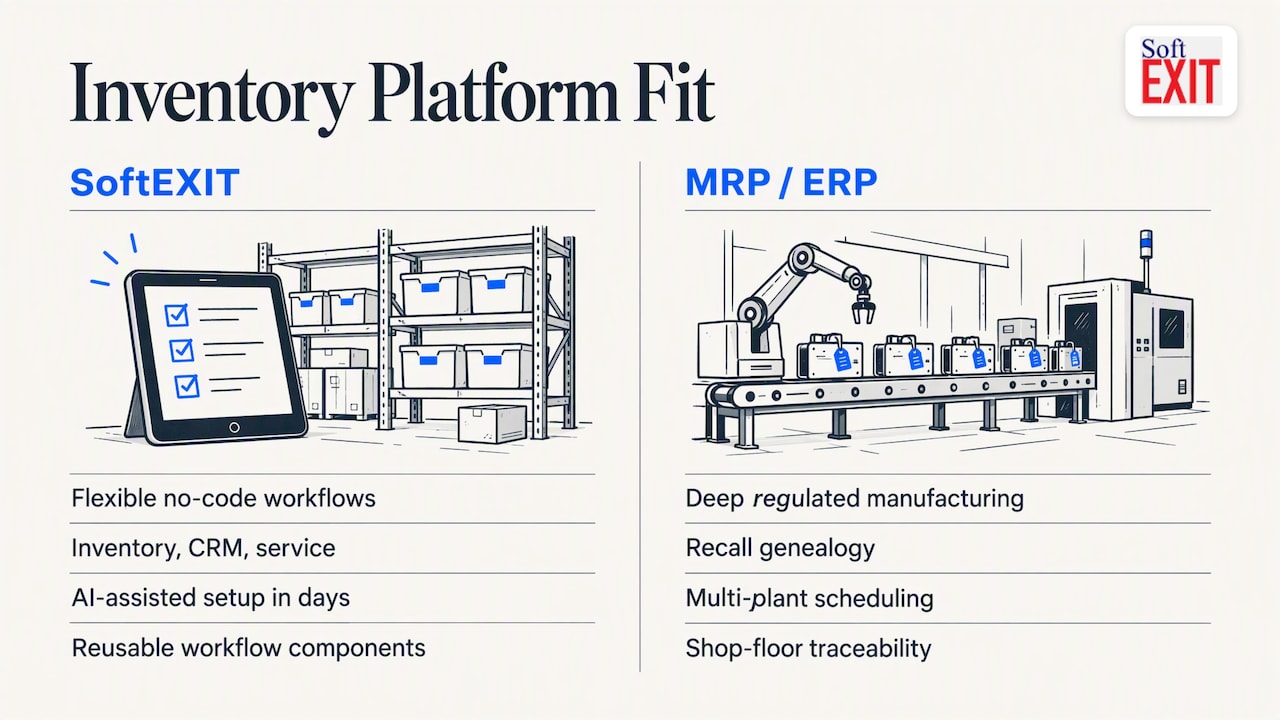
Where this approach wins clearly is for SMBs and operational teams whose inventory needs sit next to CRM, service tracking, or custom reporting, since one platform can cover all three without separate logins or manual syncing. Where a heavier MRP or ERP platform is still the right call is deep, regulated manufacturing: recall genealogy, multi-plant production scheduling, and complex shop-floor traceability are purpose-built features in systems like Cetec ERP or NetSuite that a general-purpose configurable platform is not designed to replicate. Teams can build a working inventory system with AI assistance in days rather than months, which is the real argument for starting there before assuming custom development is required.
Choosing Between a Configurable Platform and Full ERP
The choice between a configurable platform and full ERP depends on how unique your processes are and how tightly regulated your products must be. For most SMBs, a no-code platform offers faster implementation and lower total cost. SoftEXIT Studio’s Micro-Workflows™ let teams automate individual business processes without the complexity of traditional ERP workflows. Changes happen through configuration rather than expensive development projects.
Full ERP justifies its cost when manufacturing requires detailed recall genealogy, multi-plant scheduling, or specialized compliance reporting beyond a general-purpose platform. Businesses that overlook this distinction often make one of two mistakes: paying for enterprise manufacturing features they rarely use or adopting rigid inventory software that cannot adapt as operations evolve. Both decisions can become significantly more expensive in the second year, as business requirements change and additional integrations, customization, and workarounds become necessary.
— James Edgell
Get Started with SoftEXIT: Demo, Trial, and Professional Services
If Fishbowl’s rigidity is the real problem rather than a lack of manufacturing depth, we built SoftEXIT Studio™ for exactly that gap. We let you configure inventory tracking, approvals, and reporting around your actual process, and because it runs on the same platform as SoftEXIT CRM, your customer and inventory data finally live in one place instead of two systems you sync by hand.
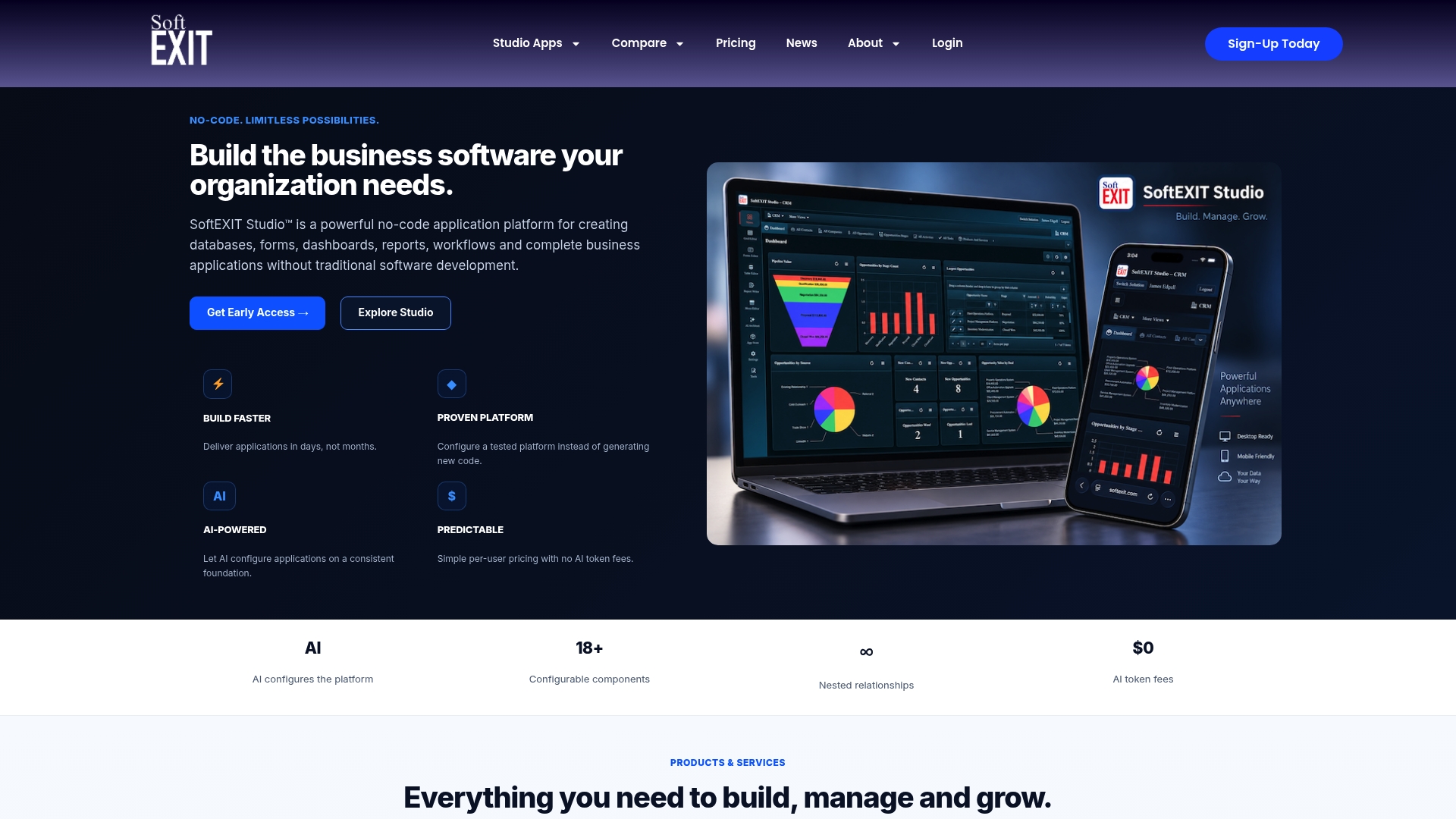
We offer plans to start, with current prices detailed on our Studio overview page. For teams that want configuration help rather than a DIY build, our professional services team handles implementation and setup directly.
Before committing to a full migration, we recommend running a short pilot: build one real inventory workflow, load a real data set, and see how it holds up against your actual process rather than a demo script.
- Request a walkthrough of SoftEXIT CRM to see how inventory and customer records connect.
- Review plan details and pricing on the Studio page.
- Talk to our professional services team about a guided pilot before full rollout.
FAQ
What is the best inventory software for small businesses?
The right choice depends on complexity: small sellers with simple stock counts often do well with inFlow or Zoho Inventory, while teams needing custom workflows tied to CRM and sales data tend to get more value from a configurable platform like SoftEXIT. Manufacturers with bills of materials usually need dedicated MRP tools like Katana instead.
Is Fishbowl safe to use?
Fishbowl functions as standard inventory software with role-based access controls, and Capterra’s vendor profile lists core strengths around inventory control, tracking, and billing. As with any inventory platform, safe use depends on following the vendor’s own data backup and access-control guidance for your deployment.
How much does Fishbowl software cost?
Fishbowl’s pricing is set by the vendor and not published as a fixed public rate, so the accurate figure comes directly from Fishbowl’s own sales team for your business size and modules needed. Alternatives vary widely too: SoftEXIT’s Starter plan runs $14 per user per month and Professional runs $24 per user per month, both published directly.
What are some other apps similar to Fishbowl?
Commonly cited alternatives include Ply, Katana, Unleashed, Cin7, inFlow, Zoho Inventory, Ordoro, Booqable, NetSuite, Odoo, Acumatica Cloud ERP, and Cetec ERP, each suited to a different niche from contractor field work to full enterprise manufacturing. Configurable platforms like SoftEXIT serve teams whose inventory needs do not fit a fixed template and who want inventory tied to CRM and operational data.
What should I check before migrating off Fishbowl?
Confirm which custom fields, reports, and third-party add-ons you currently rely on, since these often cannot move directly to a new cloud platform without a gap analysis. Start data cleansing roughly six months before your planned go-live date, as clean data is the single biggest factor in a smooth cutover.
Sources
- Migrating from Infor LN On-Premise to CloudSuite: What to Expect | ERP Research
- 7 Best Fishbowl Alternatives for Contractors (2026) – Ply
- Cin7 vs Katana: Which Fits Your Inventory and Manufacturing Setup?