SharePoint Alternatives: How to Choose the Right Replacement

The best SharePoint alternative depends on which job SharePoint is failing to do. For document storage and wikis, a dedicated collaboration suite is enough. For intranet communication, you need an employee-communications tool. For CRM, contacts, pipelines, forms and custom business apps, you need a no-code application platform such as SoftEXIT Studio. This guide sorts the options by job so you can replace only what is broken.
Key Takeaways
- SharePoint Online is not going away. The end-of-support news applies to on-premises versions and some legacy components, so most teams are choosing what to add or swap, not fleeing a dead product.
- Decide the job first: collaboration, content management, intranet, or business applications. Each has a different best-fit category.
- SharePoint lists work for simple trackers. Once you need related accounts, contacts, opportunities and security roles, a purpose-built data foundation is the better choice.
- SoftEXIT Studio includes its business apps (CRM, Contract Management, DVIR) free with a membership starting at $14 per user/month, billed annually.
Is SharePoint obsolete?
No. SharePoint Online remains fully supported as part of Microsoft 365, while support is ending for the on-premises 2016 and 2019 server versions and for legacy pieces such as SharePoint 2013 workflows, InfoPath and SharePoint Designer. If you run any of those, start with an inventory of versions, custom workflows, add-ins, forms and third-party integrations before picking a path.
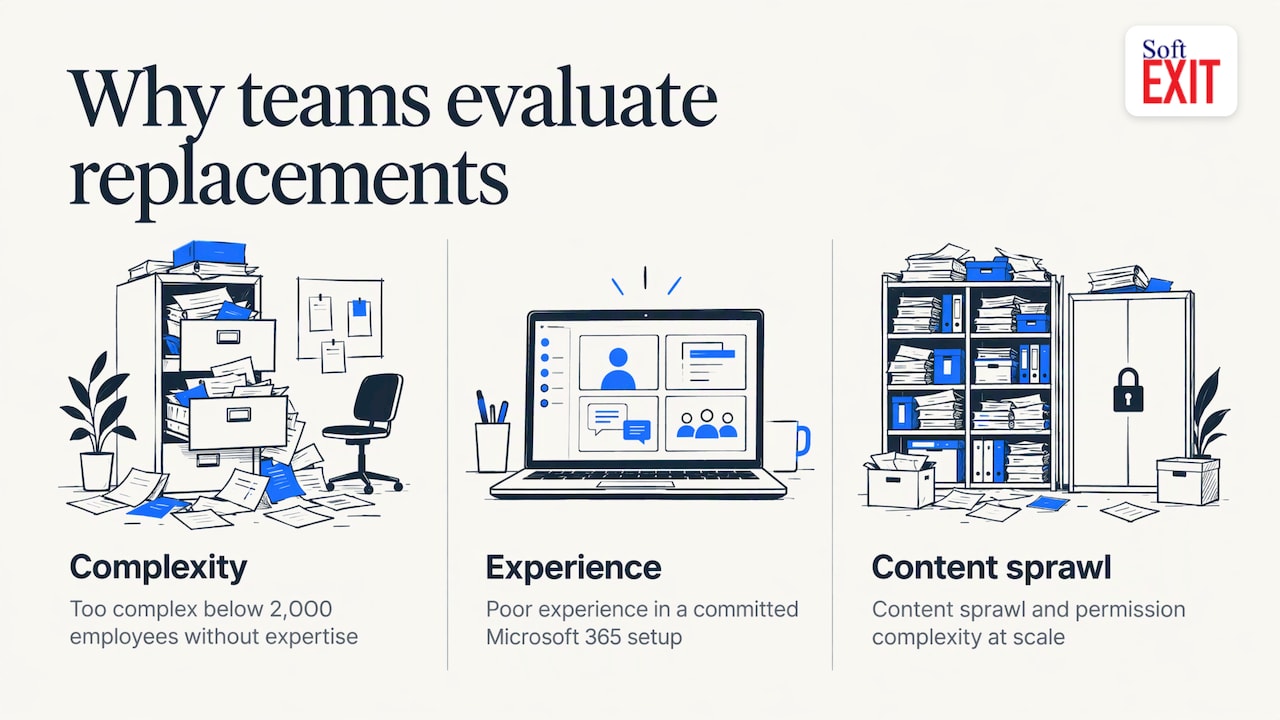
People look for alternatives for different reasons. One analysis of why organizations evaluate replacements names three: the platform is too complex for the organization’s size (especially below 2,000 employees with no dedicated SharePoint expertise), the experience is poor inside an otherwise committed Microsoft 365 environment, or content sprawl and permission complexity have become structural problems at scale. Knowing which one is yours narrows the field quickly.
Match the alternative to the job
SharePoint is often asked to be four products at once. Splitting those jobs shows where each type of tool fits.
| Job | What to look for | Typical category |
|---|---|---|
| Shared documents and wikis | Search, version history, permissions | Collaboration and knowledge workspaces (Notion, Confluence, Google Workspace) |
| Company intranet and announcements | Reach to frontline and mobile staff | Employee-communications platforms (Simpplr, Staffbase, Unily) |
| Customer relationships and sales pipeline | Accounts, contacts, opportunities, activities | CRM platforms |
| Custom internal apps, forms, dashboards | Related tables, role-based security, reporting | No-code application platforms |
Documents and wikis are the easy part. Notion combines docs, wikis, projects and databases in one workspace, and Confluence connects docs, threads, meetings and decisions. If your documents are mostly policies, HR files and compliance paperwork, see this overview of HR document management tools for platforms that can take over that slice.
Intranet needs are a separate matter. One comms-focused review frames it like this: SharePoint’s filing cabinet usually works, while the noticeboard is what fails, and most teams do not need to rip out the filing cabinet to fix it. If announcements are your problem, add a communications layer. Do not rebuild your whole stack.
When SharePoint is the wrong data foundation
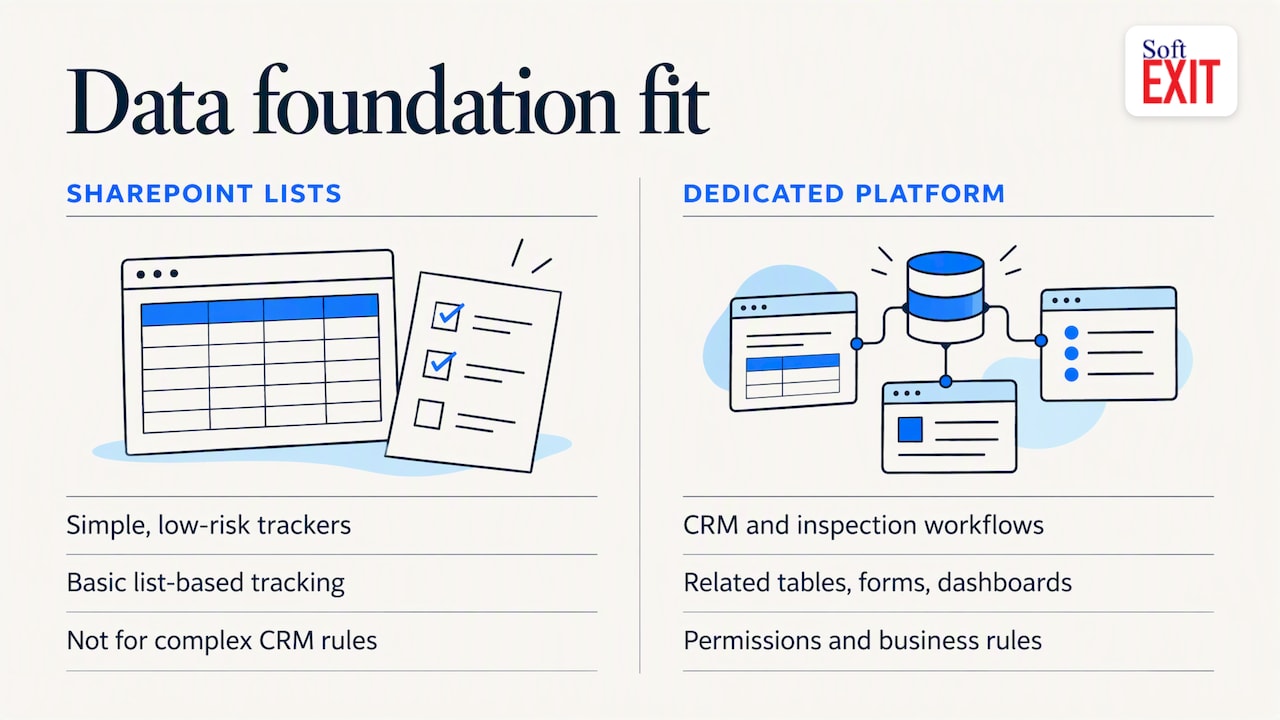
This is where many teams quietly outgrow it. SharePoint lists and Microsoft Lists handle simple, low-risk trackers well. But once sales stages, forecasting and security roles enter the picture, dedicated CRM or a relational data platform is the better route. The same source notes that when accounts, contacts, opportunities and activities need related data, security and business rules, SharePoint alone becomes the wrong foundation.
That is the situation behind a lot of “SharePoint alternatives” searches: a spreadsheet or a SharePoint list that grew into a CRM, a contract tracker or an inspection log, and now it creaks. The fix is a platform built around related tables, forms, dashboards and permissions.
SoftEXIT Studio: the alternative for CRM and custom business apps
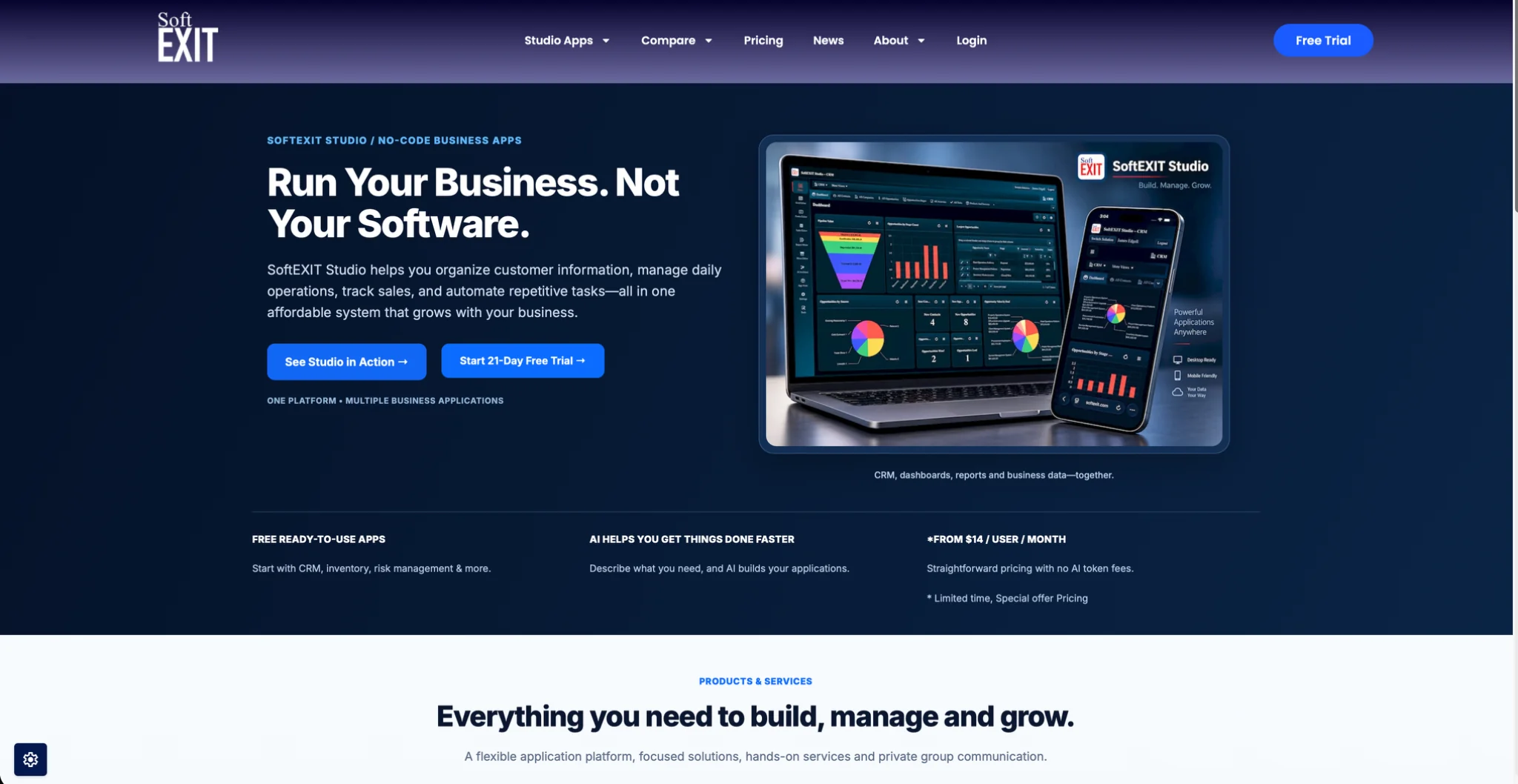
SoftEXIT Studio is an AI-powered, no-code business application platform. Its concept is simple: free business apps with one membership at one price. Eligible applications are included at no additional per-app subscription cost, so a team does not stack a CRM subscription, a contract tool and a custom-app builder.
What that covers today:
- CRM: customers, companies, contacts, sales opportunities, pipelines and activities, in a flexible no-code CRM you can modify.
- Contract Management: agreements, expiration and renewal dates, and cancellation notice deadlines.
- DVIR: digital driver vehicle inspection reports for trucking companies and fleet operators.
- AI Architect: describe a business requirement in natural language and configure a custom application, with databases, forms, dashboards and reports. It configures a proven platform rather than generating code from scratch.
Because every app sits on the same customizable platform, you can add fields, create related tables, build dashboards and generate reports without switching tools. The platform also includes role-based security, protected fields, hierarchical data and a secure team communication network with domain-based access and auto-deletion of old topics.
Pricing
Apps are free with a SoftEXIT Studio membership starting at $14 per user/month when billed annually (Starter). Professional is $24 per user/month. There is a 21-day free trial. Implementation and configuration help is available through optional professional services; pricing for those is not published.
How to evaluate any option
Use a short scorecard instead of a feature demo.
- Name the jobs. One guide argues the platform was never the first question: start with the mix of jobs, who must use it (including contractors and frontline staff), your red lines such as budget and data residency, and the ongoing cost in governance and support.
- Check integration and compliance. Out-of-the-box APIs, broad cloud integration and compliance standards are the baseline criteria for replacing SharePoint.
- Check governance. Look for role-based permissions, single sign-on and audit logs that show who changed what. Enterprise buyers need controls that survive a security review.
- Treat AI as acceleration. The same source notes AI speeds first drafts but still needs human review for anything touching production or sensitive data.
- Pilot with real work. Run three to five real scenarios with real data, and set success metrics before you start.
- Compare total cost. Count per-app subscriptions, add-ons and AI usage fees, not just the entry price.
Our perspective
Most teams that leave SharePoint for business applications are not leaving because of file storage. They are leaving because a list became a CRM, then a contract tracker, then a reporting headache.
We built SoftEXIT Studio around a different idea: one platform, one membership, and applications that you can change. A CRM should not force your sales process into someone else’s fields. Add the fields you need, relate the tables, and build the dashboard your managers actually read.
Our AI Architect configures a proven platform from a plain-language description. That keeps custom work fast and keeps the result on a foundation built for security and reporting, with no per-app subscription stacking.
If you want to see how this plays out for sales teams, start with our guide to role-based CRM dashboards.
James Edgell
Try SoftEXIT Studio
If your SharePoint lists have become a CRM, a contract tracker or an operations database, test the replacement with your own data. SoftEXIT Studio includes CRM, Contract Management and DVIR with membership, plus the AI Architect for custom apps. Plans start at $14 per user/month billed annually, and you can begin with the 21-day free trial on the SoftEXIT Studio plans page.
Want a head start on structure? Read how to build a no-code database you can trust, or compare other platforms in our guides to Quickbase alternatives and Salesforce alternatives.
FAQ
Does anyone still use SharePoint?
Yes. SharePoint Online is fully supported as part of Microsoft 365, and many organizations keep it for document storage, version control and permissions. The common pattern is to keep it for files and move CRM, workflows or custom apps to a purpose-built platform.
Is there a Google equivalent to SharePoint?
Google Workspace covers shared storage, email, meetings and document collaboration, so it replaces the file and collaboration side. It is not built around relational business applications, so teams often pair it with a CRM or no-code platform for those needs.
Can a no-code platform replace SharePoint lists?
For trackers that have grown into CRM, contracts or operations data, yes. A no-code platform with related tables, forms, dashboards and role-based security handles what lists struggle with. In SoftEXIT Studio you can start from the included CRM or Contract Management apps, or describe a new app to the AI Architect.
Which is better, SharePoint or OneDrive?
They do different jobs. OneDrive is for an individual’s files, while SharePoint is for team sites and shared content. Neither is designed to run a sales pipeline, which is where a CRM or application platform comes in.
Sources
- SharePoint End of Life Timeline and Migration Options (Barn2)
- SharePoint Alternatives: The Right Way to Evaluate (Valuebound)
- What is Notion? (Notion)
- Confluence | AI Workspace for Knowledge and Collaboration (Atlassian)
- 7 Best SharePoint Alternatives for Comms Teams (ChangeEngine)
- 20 CRM Options for Microsoft 365 and SharePoint (Collab365)
- SharePoint is a box of Lego (Sharon O’Dea)
- 10 Microsoft SharePoint alternatives to consider (TechTarget)
- 7 best enterprise application development platforms (Guideflow)