Work Order Management: Track Work Orders in One No-Code Platform

Work order management is the process of creating, assigning, tracking and closing maintenance and service tasks, as IBM defines it. Small and midsize teams often run it from spreadsheets and inboxes, where status gets lost. A no-code platform lets you build the intake form, the status workflow and the dashboard once, next to your CRM, without paying for a separate app. SoftEXIT Studio includes its business apps with a membership starting at $5 per user/month, billed annually, and you can shape them into your own work order system.
Key Takeaways
- A work order is the approved, assigned job. A work request only reports the need.
- Every order needs the asset, task, priority, assignee, due date and closeout notes.
- Status is where manual tracking breaks, so build statuses and dashboards, not just a list.
- Sales pipelines and work order workflows are both staged processes, so one platform can run both.
- SoftEXIT Studio Starter is $5 per user/month and Professional is $9 per user/month, both billed annually.
What a work order must include
A work order formally authorizes one task. Ecesis describes it as defining what must be done, on which asset, by whom, by when, and with which parts and tools. Once complete, the record joins the asset’s history.
Fluke’s guide lists the fields worth building into your form:
- A clear description of why the order was created
- Asset information: location, equipment ID, service history
- Priority: low, medium, high or critical
- Estimated labor and parts
- Assigned technician or team
- Scheduled start and due dates
- Completion notes with actual hours and work performed
In a no-code platform each of these becomes a field, a dropdown or a related record. Priority is a pick list, the asset is a link to an asset table, and the technician is a user. That is the relational database approach, and it is what keeps a work order from being a loose line in a sheet.
The work order workflow, step by step
The exact lifecycle depends on how your system is configured. Siemens’ lifecycle guide describes a common version.
- Submit the request. The requester gives location and task details. Use a form with required fields so nothing arrives half-described.
- Review and approve. A manager confirms the request is valid. Emergency work may bypass approval, so give it its own type.
- Prioritize and assign. A supervisor sets the due date, category, cause and priority, then picks a technician. Check parts availability here: UpKeep notes that scheduling without it is a common source of delays.
- Perform the work. The technician records action taken, labor time and equipment used.
- Close and review. Mark it complete and have a supervisor review. Work that is not formally closed does not feed reporting.
In Studio, these steps map to forms, role-based security (so technicians see their jobs and managers see everything) and a status field. Studio Professional includes AI Architect, which turns a plain-language description of this process into an application configuration built on Studio’s framework.
How to track work orders
Tracking is mostly about status. FieldPulse points to status as the handoff that breaks in manual tracking: jobs sit in an ambiguous state and invoices go out late.
A workable tracking setup has:
- Clear statuses: requested, approved, assigned, in progress, complete, closed.
- Types: PreventiveHQ names corrective, emergency, inspection and project work orders.
- A dashboard: open orders by status, by priority and by technician.
- Reports: time to close and repeat issues per asset.
Studio supports dashboards, reports, forms and hierarchical data, so a site, building and asset can nest naturally. Closed records give you the history to decide on parts stocking and repair-or-replace calls, a point UpKeep makes about closed orders.
For teams that need a status record to share with the people being served, the way a property management letter workflow keeps recordkeeping and closeout visible, the same logic applies: every order should show its current state to whoever needs it.
Work orders and sales pipelines use the same logic
People who search for work order tracking often also look for pipeline management software. The mechanics are close. A sales pipeline has stages, and CE Pro’s documentation describes customizable stages with win probabilities and a stale-deal threshold that flags opportunities sitting too long. A work order has stages too, and the same stale flag catches jobs that stall.
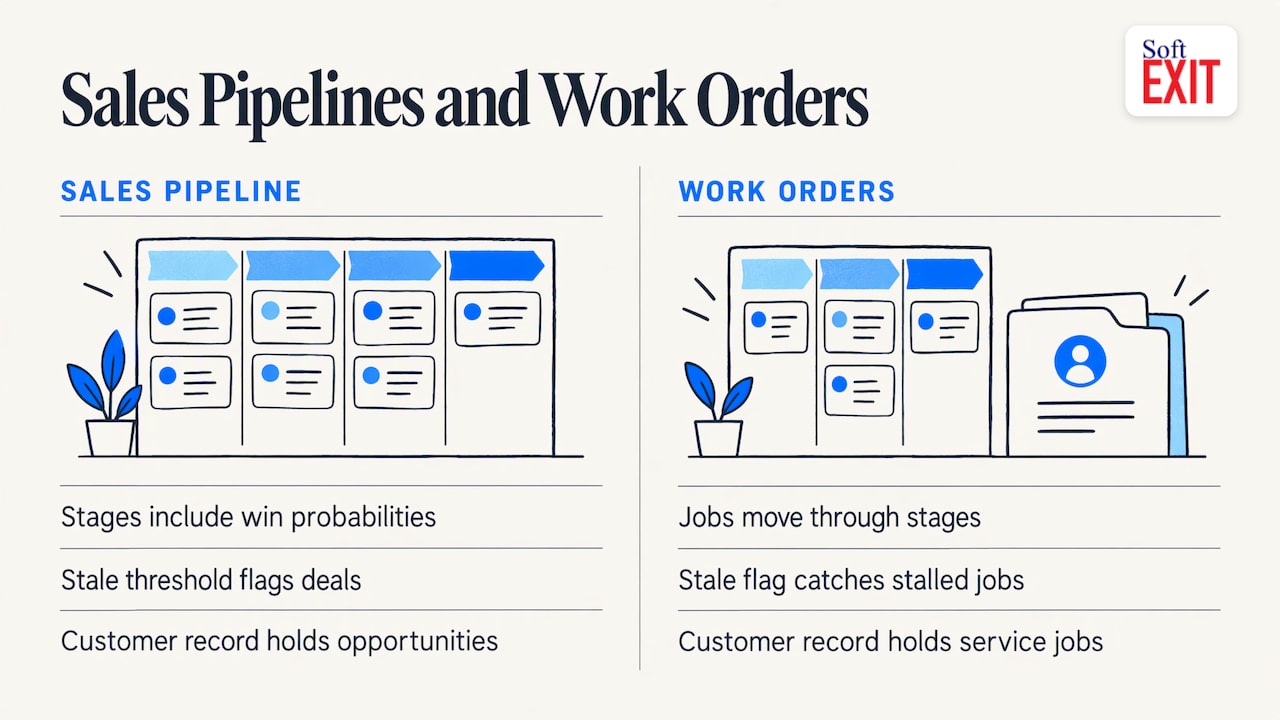
That is the argument for one platform. A customer in your CRM can have opportunities, contracts and service jobs on one record. SoftEXIT CRM, Contract Manager, DVIR and Risk Management run on the same Studio platform, so a service job can sit beside the customer and the contract that covers it. See how this works in our guide to contract management in a CRM and customer service tracking.
Fleet teams can start with SoftEXIT DVIR, which handles driver vehicle inspection reports.
Choosing a tool: how the options compare
Search results for this topic are dominated by maintenance software (CMMS) vendors. If your needs go beyond maintenance, compare on these criteria:
| Criterion | Dedicated work order tool | Per-app no-code builders | SoftEXIT Studio |
|---|---|---|---|
| Fits work orders out of the box | Yes | You build it | You build it with forms and workflows |
| CRM on the same platform | Usually separate | Often separate subscription | Included in membership |
| Custom fields and dashboards | Limited | Yes | Yes |
| AI-assisted build | Varies | Varies | AI Architect in Professional |
Platforms such as Airtable, Knack and Quickbase are frequently shortlisted for custom builds, and Pipedrive, Zoho and HubSpot for pipelines. SoftEXIT Studio sits alongside them with a different model: apps are included in one membership rather than billed per application. Our workflow automation comparison goes deeper.
SoftEXIT Studio for work orders and pipelines
Apps are included with a SoftEXIT Studio membership starting at $5 per user/month, billed annually. Starter costs $5 per user/month, billed annually. Professional costs $9 per user/month, billed annually, and adds AI Architect. There is a 21 day free trial. Optional Agent subscriptions connect compatible AI assistants, including ChatGPT, through the Model Context Protocol: Agent Starter is $19 per month, Agent Growth $50 and Agent Scale $99.
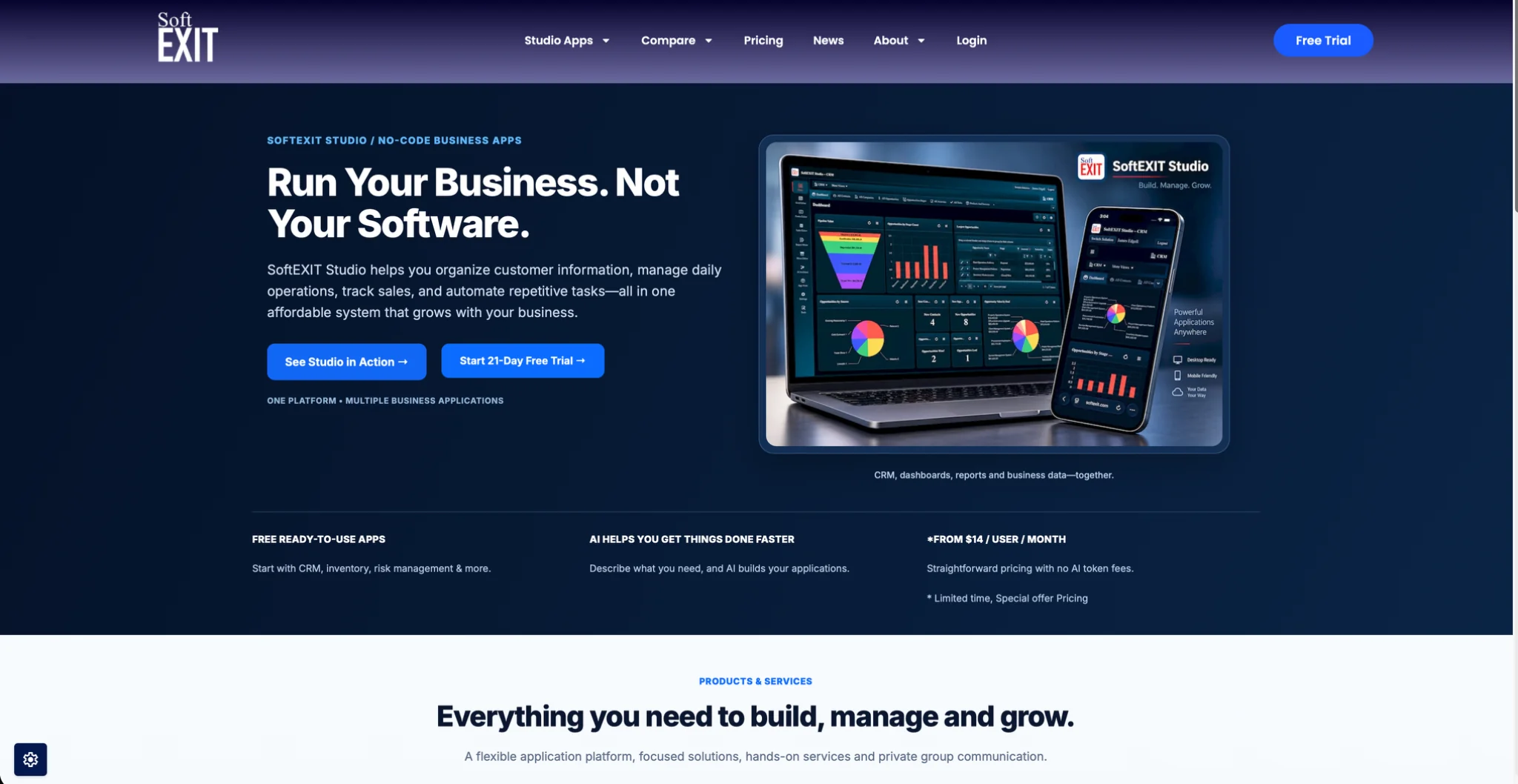
See plans and start the trial on the SoftEXIT Studio pricing page.
Our perspective
Most teams we talk to about work orders do not need another single-purpose app. They need a request form, a status they can trust, and a view of what is late.
We built SoftEXIT Studio so that CRM, contracts, inspections and your own custom applications share one platform, one set of permissions and one membership. When a work order is just another application on that platform, it sits beside the customer, the contract and the asset instead of in a separate silo.
AI Architect in Professional is designed to turn a plain description of your process into a working configuration, so the person who knows the workflow can build it.
James Edgell
FAQ
What is the difference between a work order and a work request?
A work request reports a need. A work order is the approved, assigned job with a priority, owner and due date, as Trillium Facility Solutions explains. Many teams use one form for the request and convert it into an order after approval.
What should a work order include?
At minimum: the task description, asset and location, priority, assigned person, due date, parts and tools, and closeout notes with actual time and work done. Safety notes belong on orders that involve hazards.
Can I use a CRM to manage work orders?
Yes, when the CRM is customizable. You need custom fields, related records, role-based access and dashboards. In SoftEXIT Studio you can create these without code and keep jobs linked to customers.
How do I track work orders without spreadsheets?
Move intake to a form, give every order a status, and review a dashboard of open work by status and priority. Close each order with the actual labor and parts so the history is usable.
Sources
- What is Work Order Management? | IBM
- Work Order Management Guide | Ecesis
- What Is a Work Order? Complete Guide and Examples | Fluke
- Life cycle of a work order | Siemens
- Maintenance Work Order Process | UpKeep
- Work Order Software: How It Works | FieldPulse
- Work Order Management | PreventiveHQ
- Commercial Sales Pipeline | CE Pro Docs
- How to Use Work Order Software Across Locations | Trillium