All-in-One Business Platform: How to Choose in 2026

An all-in-one business platform puts your CRM, contracts, projects, reporting and other daily work behind one login, so your team stops juggling separate subscriptions and spreadsheets. The real choice is between three models: a broad suite, a connected stack of best-in-class tools, or a customizable no-code platform. SoftEXIT Studio™ is the third kind. Apps such as CRM and Contract Management are free with a SoftEXIT Studio membership, which starts at $14 per user/month when billed annually.
Key Takeaways
- An all-in-one platform centralizes CRM, invoicing, projects, communication and reporting in one place with one login, which cuts tool sprawl.
- The main trade-off is cost and data consistency against vendor lock-in and “good enough” modules.
- Test AI and automation features in a short pilot and check what they add to the bill before you commit.
- SoftEXIT Studio includes eligible apps with membership, from $14 per user/month billed annually, and lets you modify them without code.
- Start with the one process that hurts most, such as pipeline tracking or contract renewals, and expand from there.
What an all-in-one business platform includes
According to a 2026 overview of small business management software, these tools centralize CRM, accounting and invoicing, projects and tasks, communication, HR and scheduling, and inventory, with reporting and automation on top. They come either as a single suite or as a connected stack of separate products.
The practical payoff is a shared picture of the business. Sales sees the same customer record that operations uses, and nobody rebuilds a spreadsheet each Monday to find out where things stand.
Before you compare vendors, write down what you actually need to run in one place. Most small and midsize teams end up with a list like this:
- Contacts, companies, opportunities and pipeline stages
- Contracts, renewal dates and cancellation notice deadlines
- Forms for intake, inspections or requests
- Dashboards and reports for owners and managers
- Role-based access so people see only what they should
Three models of all-in-one platform
| Model | Examples | Strength | Watch for |
|---|---|---|---|
| Broad suite | Zoho One, Bitrix24, Odoo | Many modules under one vendor | Modules may be “good enough” rather than deep; per-user costs scale with headcount |
| Focused tool plus add-ons | HubSpot, Pipedrive, monday.com | Strong in one area such as CRM or work management | Extra features and seats are priced separately |
| No-code application platform | SoftEXIT Studio, Kintone, Quickbase, Microsoft Power Apps | You shape the apps to your process | Needs a clear process owner during setup |
Check each vendor’s own pricing page for current rates, because plans, seat minimums and billing terms change. Ask three questions of every option: what is included at the base price, what is billed per app or per feature, and how AI usage is charged.
The trade-offs that matter
The same small business management software guide names the core tension: cost efficiency and data consistency on one side, vendor lock-in on the other. You also balance the convenience of all-in-one modules against the possible need for specialized tools later.
Here is how to weigh each factor:
- Cost. Add up the full per-user price, not just the entry tier. Count every add-on module and any AI usage fees.
- Flexibility. Can you add a field, a related table or a dashboard yourself, or do you file a ticket with the vendor?
- Usability. A platform nobody opens is a failed purchase. Run the trial with the people who will use it daily.
- Scalability. Look at role-based security, hierarchical data and reporting depth, since these decide whether the system survives a doubling of your team.
- Exit path. Confirm you can export your data in a usable format.
AI deserves its own test. Many suites now add AI and automation across modules, and the advice is to test advanced features against measured pilot results and their added costs. Pick one workflow, measure it for a few weeks, then decide.
Dashboards, workflows and integrations
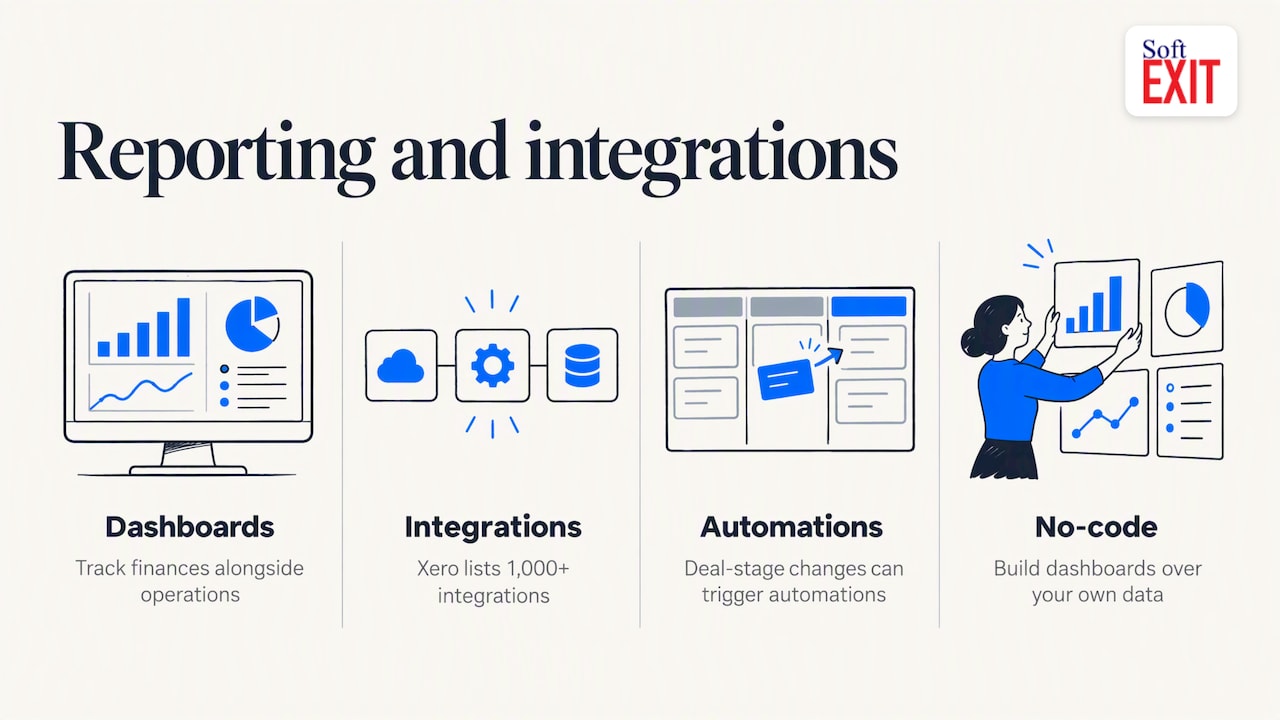
Reporting is where an all-in-one platform earns its keep. Platforms commonly offer dashboards, native integrations and automations triggered by specific changes, such as a deal moving to a new stage. Accounting tools lean on their ecosystems too: Xero, for example, lists real-time dashboards, auto-sync and 1,000+ integrations. If you track finances alongside operations, a practical cash flow management guide shows the kind of reporting worth setting up early.
A suite is not the only way to get there. A no-code platform lets you build the dashboard you want over your own data rather than adapting to a fixed one.
How SoftEXIT Studio fits
SoftEXIT Studio is a no-code, AI-powered business application platform. Our idea is simple: free business apps, one membership, one price. Instead of buying a separate subscription for every need, you get a growing collection of business applications through a single membership.
What is in the portfolio today:
- CRM: customers, companies, contacts, opportunities, pipelines and activities.
- Contract Management: agreements, expiration and renewal dates, and cancellation notice deadlines. See the Contract Manager app.
- DVIR: digital vehicle inspection reports for fleet operators, covering defects and corrective actions. See the DVIR app.
- AI Architect: describe a requirement in plain language and configure databases, forms, dashboards and reports without coding.
Every app runs on the same customizable platform. That means you can add fields, create related tables, build dashboards and generate reports in the same membership, instead of being limited to what a packaged application ships with. Our AI Architect configures a proven platform rather than generating custom code, and we do not charge additional AI token fees. For a deeper look, read about configuring AI in CRM without code risk.
If you are comparing us with a specific tool, we publish head-to-head pages, including SoftEXIT Studio vs Quickbase, vs Microsoft Power Apps and vs Kintone, plus SoftEXIT CRM vs Pipedrive Growth.
Our perspective
Most businesses do not have a software shortage. They have a software pile: one tool for customers, another for contracts, a third for inspections, and a spreadsheet gluing them together. Each subscription seems reasonable alone. Together they cost more, split your data and teach your team to work around the tools.
We built SoftEXIT Studio around a different premise. The platform is the product, and the applications on it are included with membership. When your sales process changes, you change the CRM yourself. When you need a tracker nobody sells, you describe it and configure it.
Our advice to any team choosing an all-in-one platform is to pick one painful process, run it for three weeks in a trial, and judge the platform by how quickly your own people can adapt it. Software that bends to your process is worth more than software with a longer feature list.
James Edgell
Try it with your own process
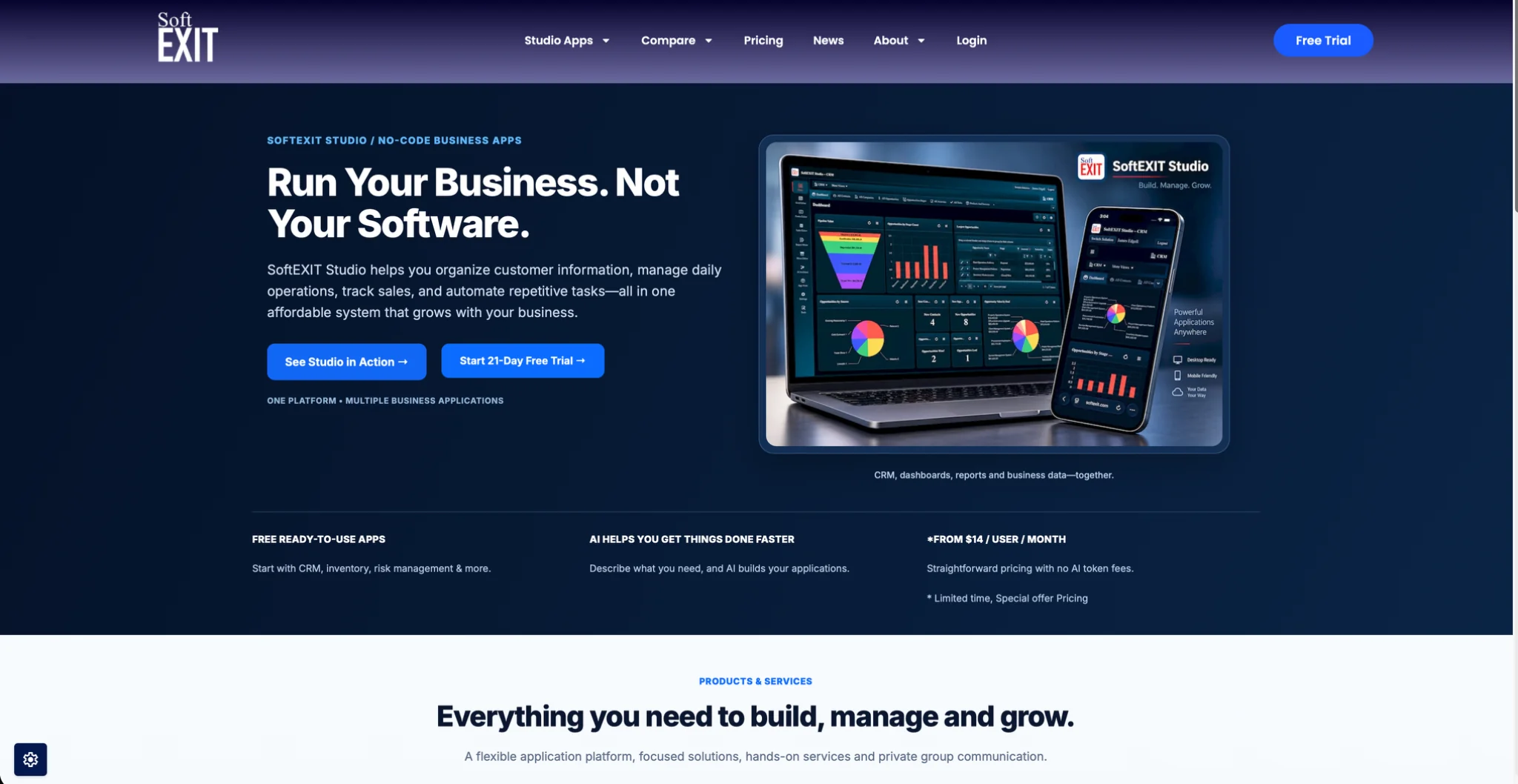
SoftEXIT Studio has two published plans: Starter at $14 per user/month, billed annually, and Professional at $24 per user/month. A 21-day free trial lets you test the CRM or build your first custom app before you commit. Eligible apps are included with membership at no additional per-app subscription cost. If you want help with setup, our Professional Services team handles implementation and configuration.
See plans and start your trial on the SoftEXIT Studio pricing page.
FAQ
Is an all-in-one platform better than a connected stack of tools?
It depends on how specialized your needs are. A single platform gives you consistent data and one bill, while a stack lets you pick best-in-class tools for each job. If your processes are fairly standard, start with one platform and add specialist tools only where the gap is clear.
What should I check before choosing a platform?
Check the per-user price, what is billed on top, trial length, user limits and how AI usage is charged. Then confirm that you can export your data. Run the trial on a real workflow, not a demo dataset.
Can a no-code platform replace spreadsheets?
Yes, for most tracking jobs. Contacts, contracts, inventory lists and inspection logs are all structured data that fits forms, related tables and dashboards better than a spreadsheet. In SoftEXIT Studio you can build these yourself, or describe them to the AI Architect.
How much does SoftEXIT Studio cost?
Membership starts at $14 per user/month, billed annually, with apps like CRM and Contract Management included at no per-app charge. The Professional plan is $24 per user/month. You can try it free for 21 days.
Sources
- Small Business Management Software 2026 for Growing Teams
- Xero vs Spreadsheets: Smart Small-Business Accounting
- Cash flow for stables: a practical guide for yard owners