Connect Your Business. Automate Your Work.
Connect SoftEXIT Studio with thousands of apps through Zapier. Automate the flow of records, keep teams informed, and eliminate repetitive updates—without building custom integrations.
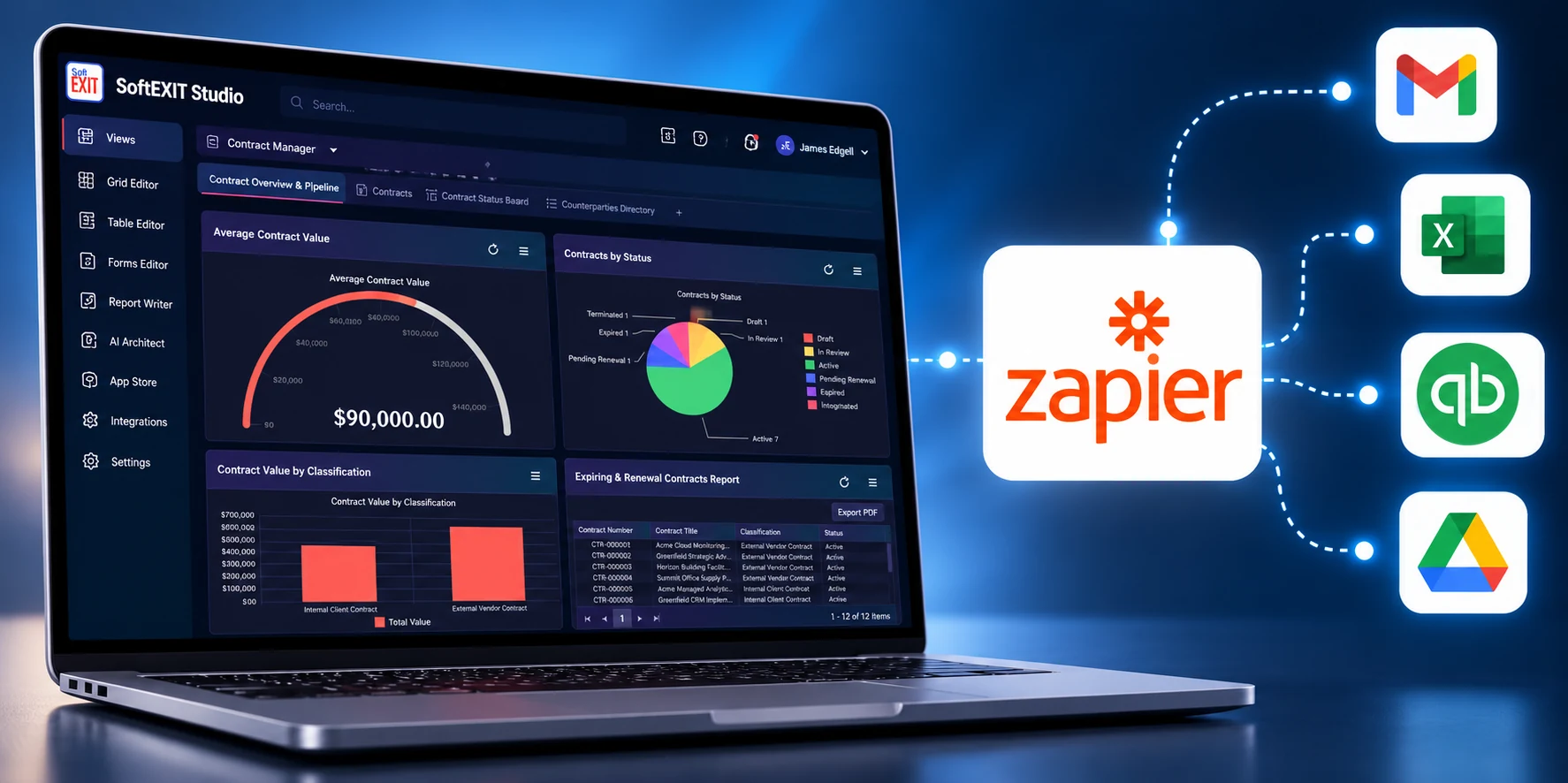
React when Studio records are created, changed, or deleted.
Use Zapier actions to work with Studio records.
Connect CRM data, operations, notifications, and more.
One connection. More useful workflows.
Let information move between SoftEXIT Studio and other business tools, without manually copying and re-entering data.
Capture and follow up
Create a Studio record from information gathered in another app, then continue the workflow in the tools your team uses.
Know when something changes
When a Studio record is created, updated, or deleted, automatically send notifications or launch downstream tasks.
Keep work moving
Find existing records, retrieve their details, and update Studio as information changes elsewhere in your workflow.
Instant triggers. Practical record actions.
Build Zaps around the Studio solutions and tables you are authorized to access.
3 instant triggers
Start a Zap from an event inside SoftEXIT Studio.
When a record is created.
When a record is updated.
When a record is deleted.
6 record actions
Search for and manage Studio records from an automated workflow.
Add a new record.
Find an exact text match.
Search a page of matches.
Retrieve by record ID.
Modify an existing record.
Delete by record ID.
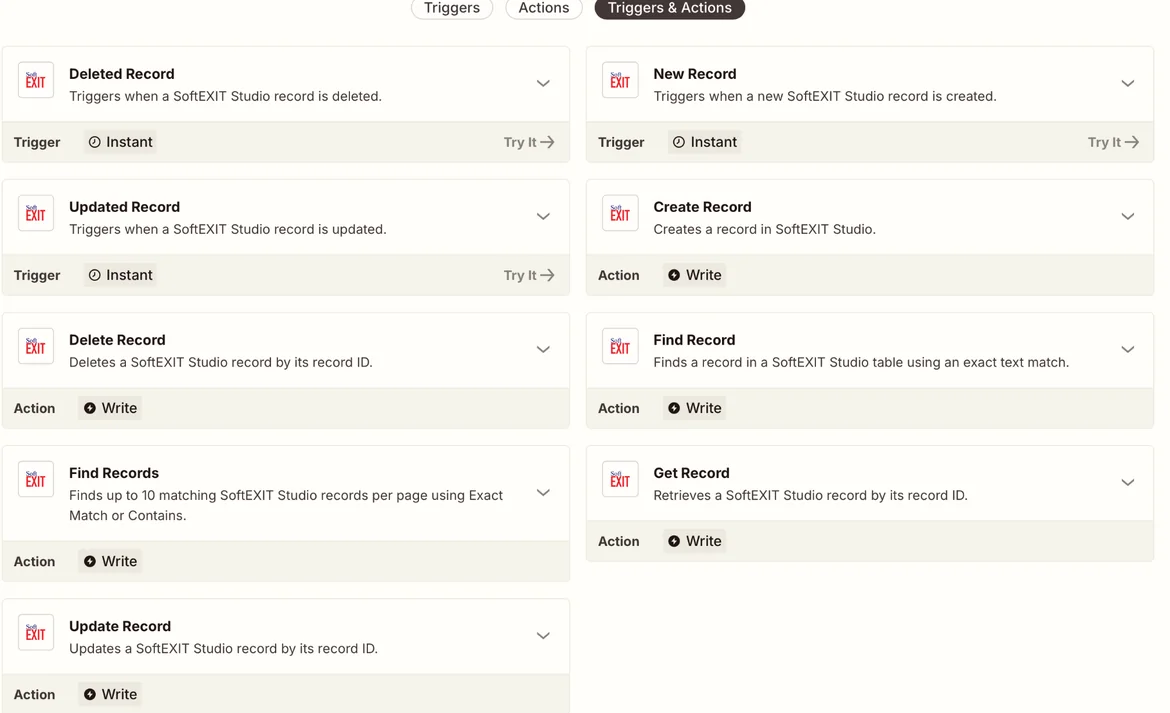
See exactly what you can automate.
The SoftEXIT Studio app on Zapier lists the available triggers and actions. Choose an event or record operation, select your Studio solution and table, and map the fields your workflow needs.
Browse the integration on Zapier to see the current catalog of available automation steps.
Go from connected account to automated workflow.
Set up the integration once, then choose the Studio data and events that matter to your process.
Confirm access
The Zapier integration is available with SoftEXIT Studio Professional plans and higher. Ensure your account has access to the relevant solution and tables.
Connect your Studio account
In Studio, open Integrations → Zapier → Organization → Credentials. Generate your API key, then use it to connect SoftEXIT Studio in Zapier.
Build your first Zap
Choose a trigger or action, select the Studio solution and table, map the fields, and test the workflow before turning it on.
Keep your API key private. Zapier is a separate service; its pricing and task limits are governed by your Zapier plan.
Everything you need to get started.
Explore the integration, follow step-by-step help, or review the REST API used by the connector.
Explore the integration
Browse SoftEXIT Studio triggers, actions, and available Zap configurations.
Integration help
Connect your account, understand field mapping, and troubleshoot common issues.
REST API reference
Review authentication, endpoints, record operations, and webhook subscriptions.
Ready to connect your business workflows?
See what you can build with SoftEXIT Studio and Zapier.