3 Moves for Business Teams to Build a No Code Database They Can Trust

Yes, you can build a production-ready business database without writing code, as long as you plan the data model and governance before you start clicking. Begin with three moves: define the job-to-be-done, pick the right platform category for that job, and sketch out who owns the data and how it will be protected. Teams that skip straight to building tables tend to rebuild everything twice.
TL;DR:
- Choosing the correct no-code platform depends on the specific data model complexity and whether you need quick tracking or relational databases.
- Establishing a clear ownership, data protection plan, and governance before building reduces rework and improves long-term stability.
- Follow a structured process including planning, modeling, implementation, testing, and operating to avoid common pitfalls like duplicate records or permission errors.
- Implement routine backups, verify restore procedures, and ensure full data exportability to prevent data loss and vendor lock-in issues.
- Retiring old spreadsheets with a hard cutover and tracking key metrics like time-to-value minimizes ongoing errors and maximizes data integrity.
Table of Contents
- Which no-code platform category fits your job?
- Data-model fundamentals: tables, keys, and normalization
- Step-by-step checklist to launch your database
- Security and governance essentials for production apps
- How SoftEXIT Studio supports a vendor-led no-code path
- Backup, recovery, and data export strategies
- A practical perspective on adopting no-code databases
- Getting started with SoftEXIT Studio
- FAQ
- Sources
Which no-code platform category fits your job?
Not every no-code tool solves the same problem, and picking the wrong category costs more time than learning to code would have. Business teams generally choose among five types of builders, each suited to a different job.
- Spreadsheet-style grid builders work well for quick trackers, project lists, or simple inventories where flexibility matters more than structure.
- Relational no-code app builders fit internal CRMs, operations databases, and anything with linked records, like customers tied to orders tied to invoices.
- Portal builders suit customer-facing or vendor-facing use cases where outside users need limited, controlled access to specific records.
- Open-source or self-hosted options appeal to teams with technical staff who want full control over hosting, data residency, or customization.
- Low-code developer-backed platforms serve as integration layers between several systems, usually where a technical admin configures the heavier logic.
The tradeoffs run along four lines: speed to launch, how customizable the result is, total cost of ownership over several years, and how easily you can export your data later. A recent G2 analysis of many verified reviews found that no-code model building now leads other measured capabilities in low-code platforms, with drag-and-drop interfaces scoring very high in buyer satisfaction. The same analysis notes that buyers increasingly judge these tools on total cost of ownership and onboarding effort rather than on raw feature lists, which matters more once you compare monthly per-user pricing across platforms over a multi-year horizon.
Ownership stability is worth checking too. Airtable, a well-known spreadsheet-style builder, was recently acquired by a private equity firm, a change that can affect pricing, roadmap priorities, and long-term support for any team that has built critical workflows on top of it. Before committing years of data entry to any platform, it is worth asking who owns the company today and whether that ownership has shifted recently.
Data-model fundamentals: tables, keys, and normalization
Every business database starts with entities: the things you track, like customers, orders, or assets. Each entity becomes a table, and each table needs a primary key, a value that uniquely identifies every record so nothing gets confused with anything else.
A few rules keep this simple and durable:
- Give every table a single, stable primary key, ideally a surrogate key like an auto-generated ID rather than something that can change, such as an email address or a phone number.
- Use composite keys only when two fields together are genuinely unique, and document why, since SQL Server guidance warns that redefining a primary key later often forces you to delete existing relationships first.
- Split repeating groups, like five “product” columns on one order row, into their own linked table instead of stretching one row sideways.
Third normal form, usually called 3NF, is the practical target most business applications should aim for. Microsoft’s own database design guidance recommends 3NF as sufficient for most professional business applications because it removes redundancy and prevents the insert, update, and delete anomalies that plague spreadsheets, like updating a customer’s address in one row but missing three others.
Before you trust a new model, create a handful of sample records and run simple queries across the joins. Check that changing a value in one place, like a customer’s name, updates correctly everywhere it is referenced rather than leaving stale copies behind.
Pro Tip: Build five realistic sample records before you build anything else, and try to break your own joins before a colleague does.
Step-by-step checklist to launch your database
A sequenced approach keeps a no-code build from turning into an unstructured pile of tables. Work through these phases in order rather than jumping to implementation first.
- Plan: name a data owner, list the records you need to track, set retention rules, classify sensitivity levels, and define two or three success metrics before touching any tool.
- Model: sketch your entities on paper or a whiteboard, choose primary keys, map relationships, and test the model against a few sample records.
- Implement: create your tables, fields, forms, and views, then add validations and computed fields so bad data gets caught at entry rather than during a report six months later.
- Import: move spreadsheet data over in a mapped, staged process, keep the original file untouched as a rollback option, and verify row counts match before and after.
- Integrate: connect the systems you already use, map fields carefully between systems, and document any API limits you hit.
- Test: run acceptance tests for each user role, check edge cases like empty fields or duplicate entries, and confirm performance holds as record counts grow.
- Operate: assign a data quality owner, schedule periodic audits, confirm backups run automatically, and verify you can export everything cleanly if you ever need to leave the platform.
A few things trip up teams at each stage:
- Importing without a staged mapping step often creates duplicate or malformed records that are painful to clean up later.
- Skipping role-based testing means permission mistakes surface after launch, usually when someone sees data they should not.
- Treating backups as automatic without verifying a real restore leaves you exposed the one time you actually need one.
The planning and operate phases get skipped most often, which is exactly why they cause the most rework. A data owner who checks in monthly costs far less than a database nobody trusts six months after launch.
Security and governance essentials for production apps
A no-code database that handles real business data needs the same guardrails as any other production system, just configured through settings instead of code.
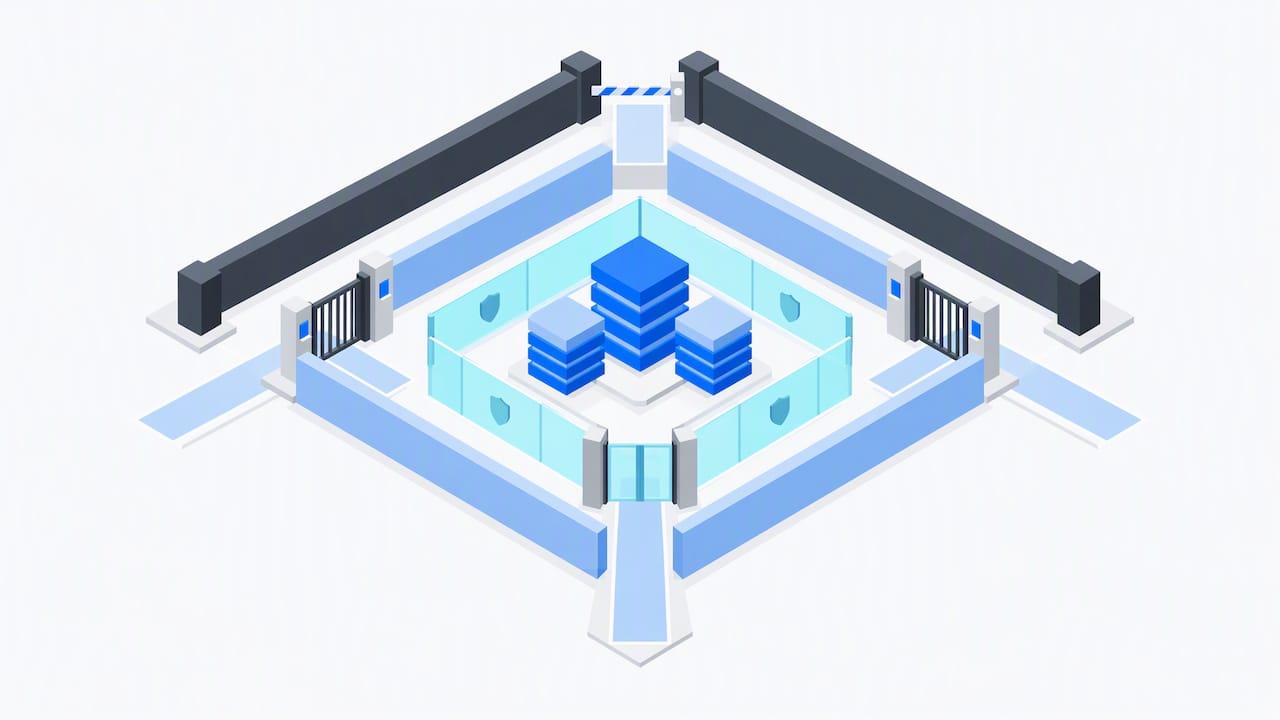
Start by classifying your data as public, internal, or restricted, since that classification should drive every access decision that follows. Power Platform’s security baseline guidance recommends establishing this kind of baseline, including environment permissions, access control, and monitoring, before any workload goes into production, and the same logic applies to any no-code business database regardless of vendor.
From there, a short governance checklist covers most of what teams miss:
- Set role-based access control so each person sees only what their job requires, and protect sensitive fields separately from general record access.
- Require multi-factor authentication wherever the platform supports it, especially for anyone with administrative rights.
- Confirm the platform keeps an audit log or change history, since many lower-cost tools omit full provenance tracking, an omission that can force a costly rework if an audit later demands traceability.
- Verify backups run on a schedule, confirm you can export your full dataset in a usable format, and understand how encryption is handled both at rest and in transit.
One data point worth sitting with: buyer priorities in low-code platforms have shifted toward total cost of ownership and onboarding, not just whether a tool can technically build what you need. Governance and exportability are now part of that cost calculation, not an afterthought to it.
How SoftEXIT Studio supports a vendor-led no-code path
For teams that want the governance and data-model discipline above without assembling it themselves, SoftEXIT Studio is a no-code business application platform built around AI-driven configuration. It generates forms, dashboards, hierarchical data structures, and workflows, with role-based security and protected fields built into the configuration rather than bolted on afterward. Automated data intake and reusable application components are meant to shorten the path from a blank workspace to a working application.
SoftEXIT CRM runs on this same platform, which means a team that starts with customer and pipeline management can extend into inventory tracking, contract tracking, or risk management later without switching platforms or re-entering data. For teams without an internal platform administrator, professional services are available to handle configuration and onboarding directly, which shortens the time between deciding to replace a spreadsheet and actually trusting the replacement.
Backup, recovery, and data export strategies
A backup you have never tested is a hope, not a strategy. Before trusting any no-code platform with records that matter, confirm three things: how often backups run, how long they are retained, and whether you can actually initiate a restore yourself or need to file a support ticket and wait.
Recovery planning should cover more than catastrophic data loss. A single accidental bulk edit or a bad automation that overwrites hundreds of records happens more often than a full outage, so check whether your platform supports point-in-time recovery or only full-database restores. The difference determines whether a single mistake costs you an afternoon or a full data reentry project.
Exportability deserves equal attention, since it is your insurance against vendor lock-in. Confirm you can export every table, including attachments and relationship links, into an open format like CSV or JSON, not just a summary report. Test this export at least once during setup, not for the first time the day you decide to leave.
A workable operational rhythm looks like this: automated daily backups retained for at least 30 days, a tested restore process documented somewhere your team can find it, and a quarterly export of the full dataset stored outside the platform itself. None of this requires code, but all of it requires someone to actually schedule and check it, which is the governance habit most teams underestimate until they need it.
A practical perspective on adopting no-code databases
Keep the first build in-house when the data model is simple and one person can own it end to end. Bring in professional services when you are migrating years of spreadsheet history, need role-based security done right the first time, or simply do not have a week to spare for trial and error.
The most overlooked item is retiring the old spreadsheet. Teams build the new database, then keep updating both for months because nobody declared the spreadsheet dead. Set a hard cutover date and track three numbers: time-to-value, spreadsheets actually retired, and error rates before versus after.
— James
Getting started with SoftEXIT Studio
We built SoftEXIT Studio so teams could move off spreadsheets into a working application without a development team or a drawn-out implementation project. AI-assisted configuration gets you from a blank workspace to tables, forms, dashboards, and role-based permissions, and when you need extra hands, our professional services team handles setup and data migration directly.
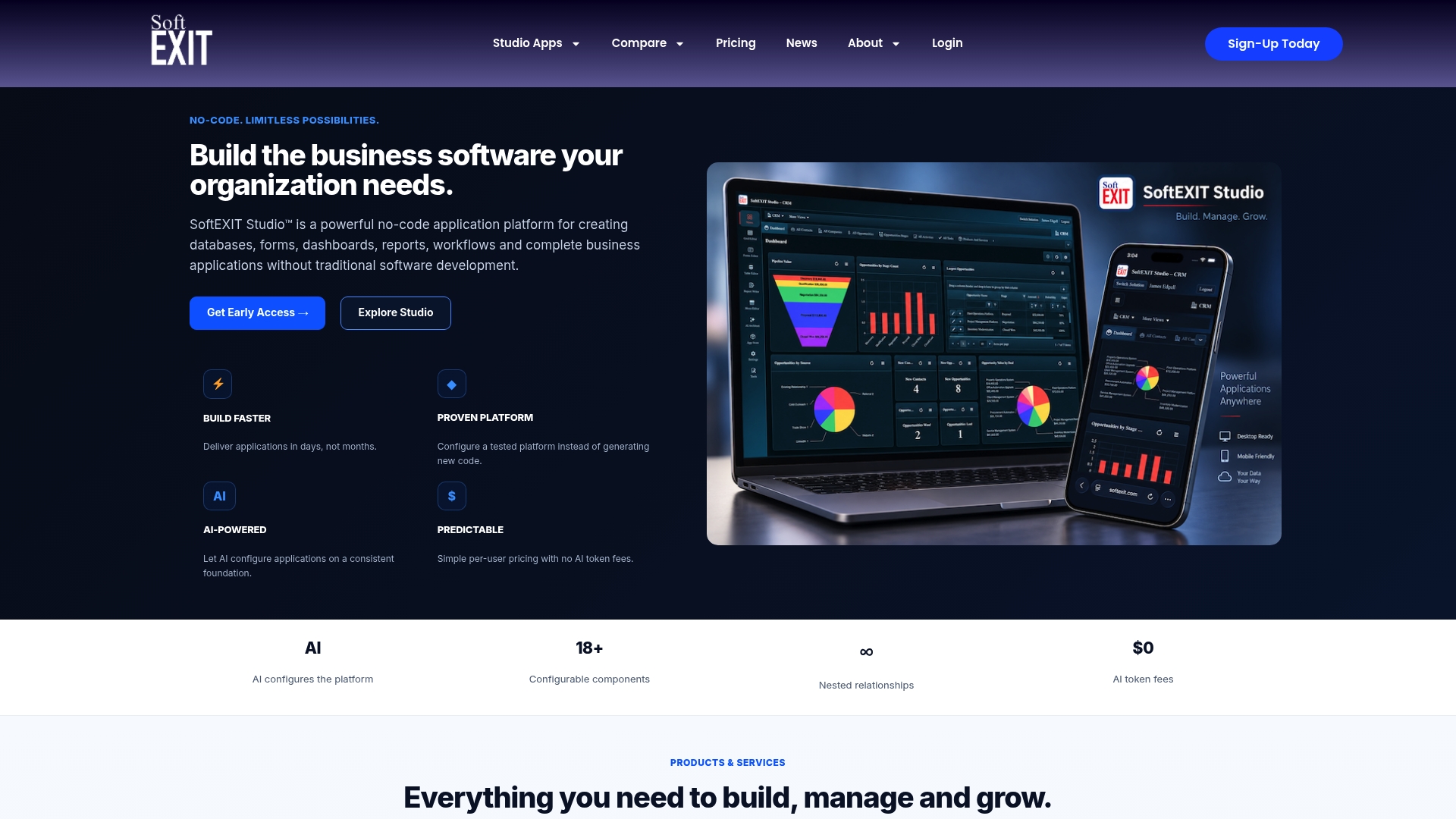
We price our plans simply and list them in full on our Studio plans page; current prices are available there. If customer and sales data is your starting point, our SoftEXIT CRM product page walks through what you can build first, and you can see it in action on our CRM walkthrough. Check availability and compare plans whenever you are ready to move past the spreadsheet stage for good.
FAQ
Does a DBA need to know how to code?
Traditional database administration has relied on SQL and scripting, but no-code platforms shift most schema design, relationships, and access rules into visual configuration instead. A business team can manage day-to-day database administration without writing code, though complex integrations may still benefit from someone with technical fluency.
Is there an app builder that doesn’t require coding?
Yes, several categories exist, including spreadsheet-style grid builders, relational no-code app builders, and portal builders, each suited to different jobs like trackers, internal CRMs, or customer-facing portals. SoftEXIT Studio is one option built specifically for business teams building CRM, inventory, and operational applications without a developer.
Is there a free NoSQL database available?
Several open-source NoSQL databases are available at no license cost, though running one in production still requires hosting, maintenance, and backup planning that carries its own cost. Free typically means free of license fees, not free of operational effort.
Is there an open-source no-code app builder?
Yes, open-source no-code and low-code builders exist for teams that want full control over hosting and customization, typically requiring more internal technical capacity to maintain than a hosted platform. These suit organizations with existing infrastructure teams more than business teams looking for a fast, managed rollout.
How do I choose between 4-corner and 5-corner platform models when picking a no-code tool?
For most business database projects, the more relevant choice is between spreadsheet-style, relational, portal, and open-source categories rather than specific corner models, since the right pick depends on whether your data is simple and flat or relational with multiple linked tables. Start by matching your job-to-be-done to one of those categories before comparing specific vendors.
Sources
- Low-Code ML Platforms in 2026: Do They Keep the No-Code Promise?
- Database design basics | Microsoft Support
- Primary and foreign key constraints (SQL Server documentation)
- Establish a security baseline (Power Platform guidance)